The Omaha Business Cybersecurity Checklist (No IT Degree Required)
You don’t need to understand every cybersecurity tool your business uses. But there are a few questions you should be able to get a clear answer to.
Is MFA turned on? Are your backups working? Are computers getting updated? Does your team know what to do with a suspicious email? And if something unusual happens, who is actually paying attention?
If the answer to some of those is “I’m not sure,” that’s a good place to start.
Here’s a straightforward cybersecurity checklist for businesses in Omaha, Lincoln, Council Bluffs, and the surrounding area.
1. Is MFA required on important accounts?
Check: Can employees access email, financial systems, or other important business applications with only a password?
If they can, turn on multi-factor authentication (MFA).
MFA requires another form of verification in addition to a password. That means a stolen password alone usually isn’t enough to get someone into an account.
At minimum, look at:
• Microsoft 365 or Google Workspace
• Accounting and financial applications
• Remote access and VPN accounts
• Administrative accounts
• Other systems containing sensitive business or customer information
Where available, consider stronger options such as passkeys or security keys.
2. Are computers and applications being updated?
Software updates aren’t just about getting new features. They frequently fix known security problems.
The important question isn’t whether employees occasionally click Update. It’s whether your business has a consistent process for keeping devices and applications current.
• Operating systems receive security updates
• Business applications are kept current
• Browsers are updated
• Network equipment and other business technology receive appropriate updates
• Someone is responsible for identifying devices that fall behind
If updates depend entirely on employees remembering to install them, there’s room for improvement.
3. Do you know your backups actually work?
Most businesses will confidently say they have backups.
The better question is: When was the last time you tested one?
A backup is useful only if you can recover what you need from it.
• Important business data is backed up
• Backups run automatically
• Backup failures are reviewed
• Restore tests are performed periodically
• You know how long recovery would realistically take
If nobody can remember the last successful restore test, put this one near the top of your list.
4. Are passwords being handled properly?
You don’t need an elaborate 20-page password policy. You do need some basic rules that everyone follows.
• Employees use unique passwords for work accounts
• Passwords aren’t shared through email, Teams, or sticky notes
• A business-approved password manager is available
• A business-approved password manager is available
• Shared or administrative credentials are controlled
• MFA is used wherever possible
The policy only matters if it reflects what people actually do.
5. Does your email have protection beyond the inbox?
Email remains one of the easiest ways to get in front of an employee.
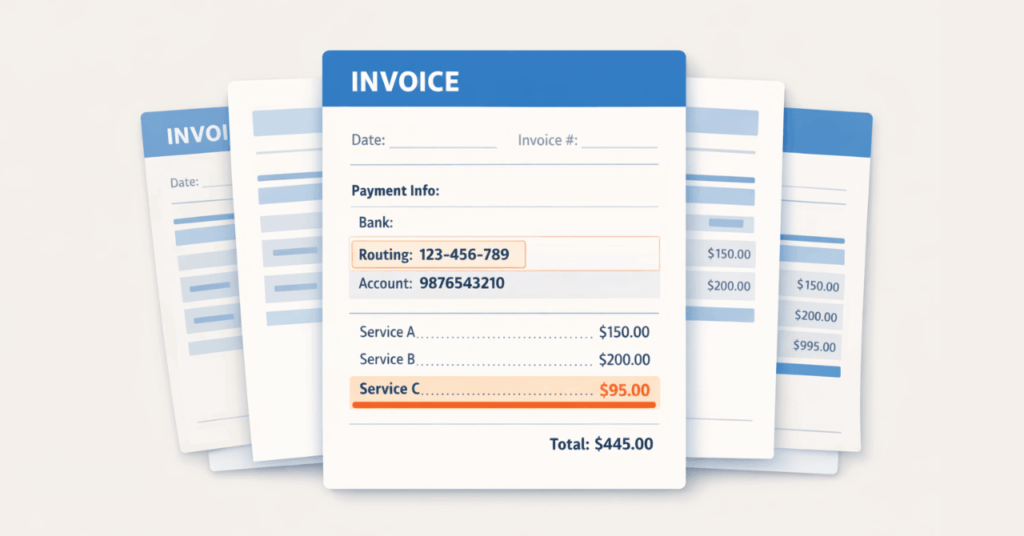
Fake invoices, password-reset notices, Microsoft 365 login pages, messages that appear to come from an executive, and requests to change payment information can all look convincing.
Your email system should have tools in place to identify and filter suspicious messages before employees ever see them.
But filtering isn’t perfect—which brings us to the people using it.
6. Does your team know what to do with something suspicious?
Security awareness training doesn’t need to mean sitting through the same hour-long presentation every year.
Short, practical training throughout the year is generally more useful.
Employees should know:
• How to recognize common phishing attempts
• Where to report a suspicious message
• What to do if they accidentally click something
• Not to approve an unexpected MFA request
• How to verify unusual requests involving money or sensitive information
That last one is especially important.
If someone receives an email asking them to change banking information, send a wire, buy gift cards, or provide sensitive employee information, verify the request another way. Call a known number or speak to the person directly rather than using the contact information provided in the message.
7. What happens if someone clicks the wrong thing?
Mistakes happen. What matters next is how quickly your business knows about them.
Employees should know exactly who to contact if they:
• Click a suspicious link
• Enter a password on a questionable website
• Approve an MFA request they didn’t initiate
• Open a suspicious attachment
• Notice unusual activity on their computer or account
You want people reporting those situations immediately—not spending an hour worrying that they’ll get in trouble.
8. Is anyone actually watching your security systems?
Security tools can generate warnings about things like unusual logins, failed backups, missing updates, or systems that suddenly stop checking in.
But an alert doesn’t accomplish much if nobody reviews it.
Ask:
• Who reviews security alerts?
• Who checks backup failures?
• Who identifies computers missing important updates?
• Who investigates unusual login activity?
• Who is responsible for responding when something needs attention?
You don’t necessarily need someone staring at a dashboard around the clock. You do need tools watching for problems and a clear process for deciding what happens when they find one.
The Five-Minute Cybersecurity Check
If you don’t want to go through the entire list today, start here.
Ask whoever handles your IT these five questions:
1. Is MFA required for everyone’s email?
2. When did we last successfully restore something from backup?
3. Are all of our computers current on security updates?
4. What should an employee do immediately after clicking a suspicious link?
5. Who reviews our security alerts?
You’re looking for specific answers.
“We should be.”
“I think so.”
“Probably.”
“Someone gets those alerts.”
Those aren’t really answers.
When You Don’t Know the Answers
Not every business needs an internal cybersecurity department. But somebody needs to own these responsibilities.
If you went through this checklist and found several questions you couldn’t answer, that doesn’t automatically mean your business has a major security problem. It means you’ve identified what needs to be checked.
Start there.
InfiNet works with businesses throughout Omaha, Bellevue, Council Bluffs, Papillion, Lincoln, and surrounding communities to understand what protections are already in place, identify gaps, and prioritize what actually needs attention.
You don’t need to become a cybersecurity expert. You just need to know the right questions to ask.
Need help getting those answers? Let’s talk.
Frequently Asked Questions
What is the most important cybersecurity step for a business owner to take right now?
Start by making sure MFA is required for email and other important business accounts. A password by itself shouldn’t be enough to access sensitive systems. Where available, consider phishing-resistant methods such as passkeys or security keys.
Do I need an IT background to understand my company’s cybersecurity risk?
No. You don’t need to understand how every security tool works. You should, however, be able to get clear answers about MFA, backups, updates, employee training, monitoring, and who is responsible for each.
How often should employees receive security awareness training?
Security awareness works best as an ongoing practice rather than a once-a-year event. Include it during onboarding, reinforce important habits throughout the year, and provide additional guidance when threats or business processes change.
How do I know whether our backups are good?
Test them. A successful backup notification tells you the backup process ran; a successful restore tells you that you can actually recover your data. Periodic restore testing is an important part of a reliable backup strategy.
What does proactive monitoring mean?
It means using tools to watch for conditions that may need attention, such as unusual logins, failed backups, missing security updates, or security tools that stop reporting. Just as importantly, someone needs to be responsible for reviewing and responding to those alerts.
When has a business outgrown informal IT support?
One warning sign is when important questions consistently get uncertain answers. If nobody can confirm whether backups work, updates are current, security alerts are being reviewed, or former employees have lost access, your business probably needs a more defined IT process.
Do small businesses really need cybersecurity?
Yes. Phishing, compromised accounts, ransomware, and other threats aren’t limited to large companies. The appropriate tools may differ based on the size and needs of the business, but basic protections matter at any size.
The Omaha Business Cybersecurity Checklist (No IT Degree Required) Read More »