Let’s be real: Internet Safety for Businesses often gets attention during awareness moments like National Internet Safety Month in June—but the risks it highlights don’t come and go.
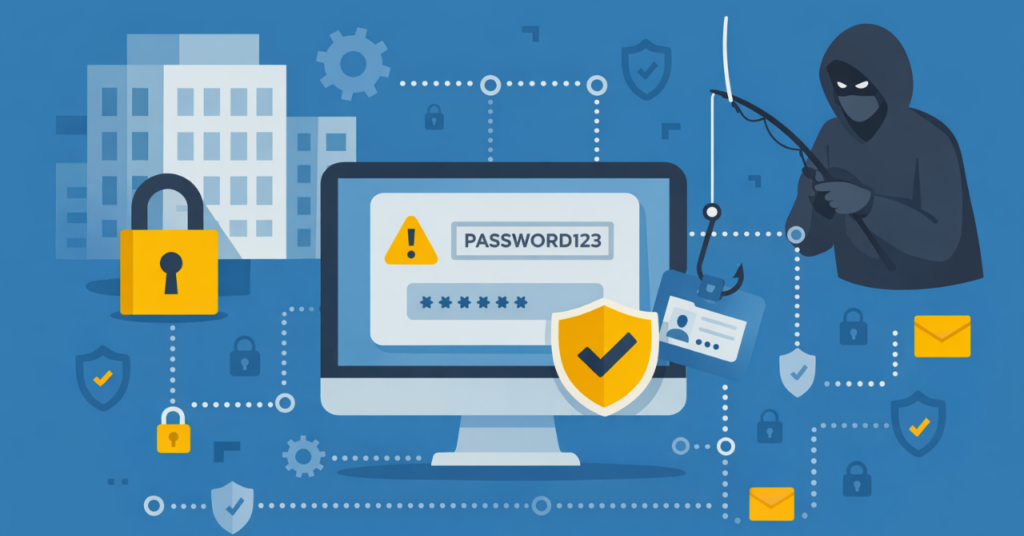
Hackers aren’t sitting in basements wearing hoodies. They’re organized. Funded. Ruthless. And frankly, they love it when your team uses “Password123.”
If you’re a small or mid-sized business, you might think you’re flying under the radar. You’re not. You’re just under protected.

Internet Safety for Businesses isn’t about reacting to big, obvious threats. It’s about how small gaps—like weak passwords, unverified links, or inconsistent processes—quietly create access over time.
For most small and mid-sized organizations, the risk doesn’t come from being targeted specifically. It comes from being accessible.
Nearly half of small businesses say they experienced a cyberattack or cyber incident in the past year.
– CNBC | Momentive Small Business Survey
Not because the technology fails—but because it’s where everyday decisions happen quickly, often without a second look.
Which is what makes Internet Safety for Businesses less about awareness—and more about how your environment supports better decisions day to day.
💣 So… What Are the Big Threats?
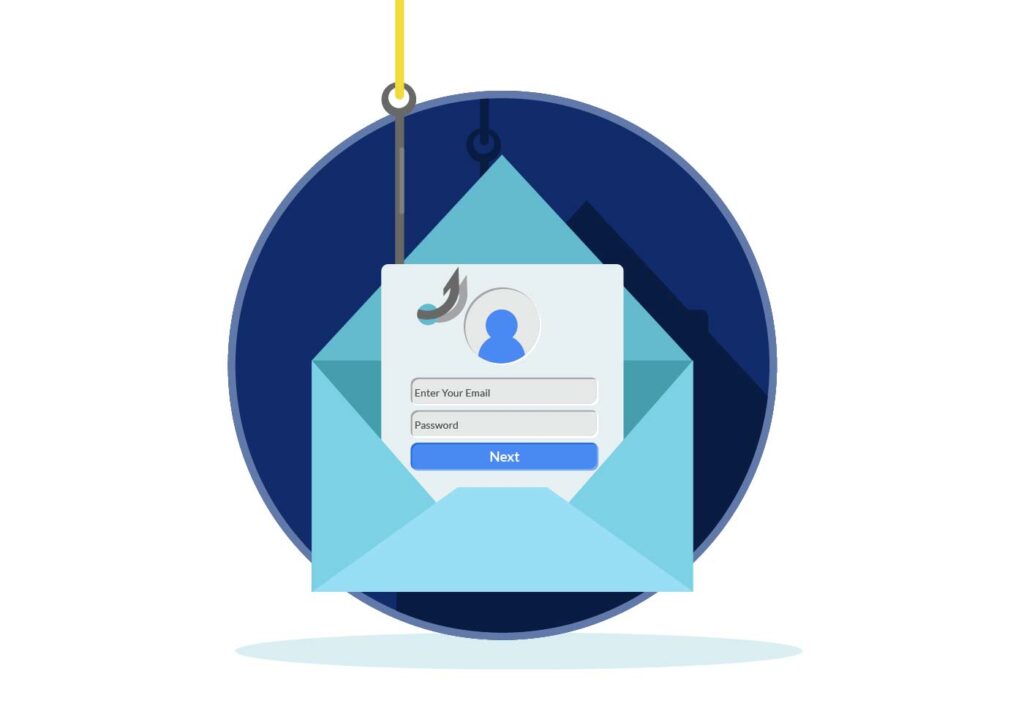
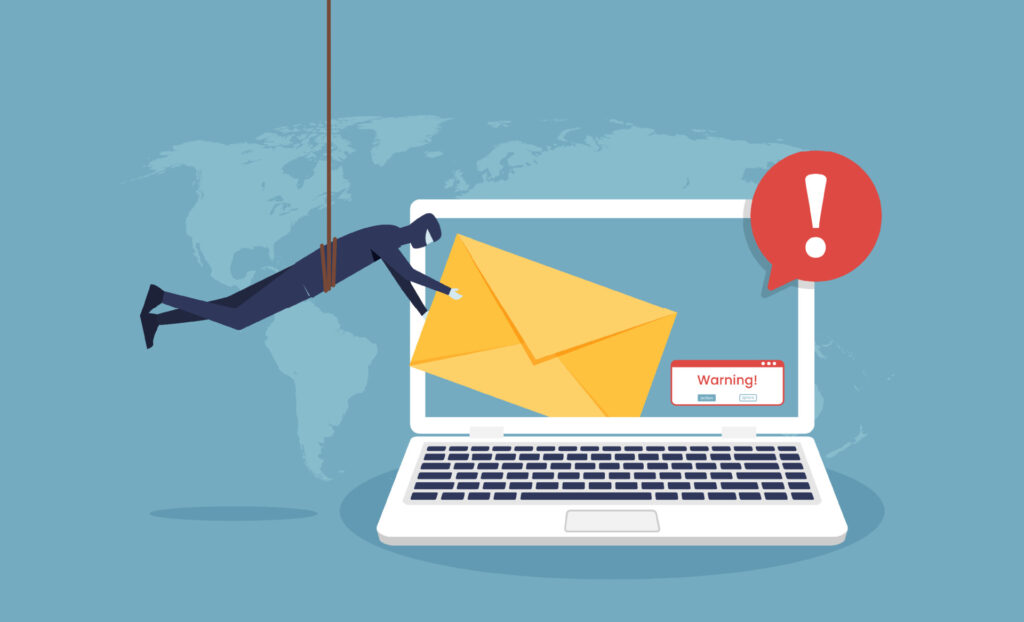
Phishing Emails That Look Legit
Karen thinks the CEO really did send her that PDF.
(Spoiler: He didn’t. And now you’re locked out of your systems.)
Weak Password Hygiene
We’ve seen it all—“companyname2023!”, birthdays, pet names.
If your passwords are guessable, your data is vulnerable.
Unsecured Networks
Your Wi-Fi isn’t just slow—it’s a digital revolving door for intruders if it’s not locked down correctly.
People Problems
Even with the best tech, your team can still click, download, or share the wrong thing.
What You Can Do (Without Becoming a Cybersecurity Expert)

1. Enforce MFA (Multi-Factor Authentication)
Yes, it’s one extra step. But it’s one that keeps the bad guys out—even if they’ve stolen your password.
2. Use a Password Manager
Ditch the sticky notes and shared spreadsheets.
Use a secure vault that generates strong, unique passwords for every login.
3. Train Your People (Regularly)
Quarterly cybersecurity training isn’t overkill—it’s survival. We offer tailored training that makes sense to non-tech staff. No jargon or headscratchers here. We’ll keep everything simple and easy to act on.
4. Patch. Update. Repeat.
Outdated software is like leaving your front door open. Run updates and patches like your data depends on it—because it does.
5. Monitor Everything
From endpoint protection to email filtering, you need visibility. If you’re not tracking suspicious activity, you’re basically blindfolded on the freeway.

“But I Already Have an Antivirus…”
Here’s the thing: Antivirus alone is like putting a Band-Aid on a shark bite.
Real protection means:
- Proactive threat detection
- Real-time monitoring
- Managed response
- Human support (hi, that’s us!)
You Don’t Need to Be Paranoid. You Need to Be Prepared.
Internet safety for businesses isn’t about reacting to headlines or one-time initiatives. The risks are consistent—and so is the opportunity to manage them more intentionally.
The good news: this doesn’t require more tools or more complexity. It starts with understanding where exposure actually exists and aligning your environment to support how your team works day to day.
That’s where a more structured, proactive approach—often supported through managed IT services—makes the difference.