
Microsoft Entra phishing attacks are changing how credential theft happens. Traditional phishing gets caught because the domain looks wrong. The certificate is odd, or email scanners flag the URL. These new tricks sidestep a lot of those controls by working through Microsoft’s own endpoints or by using legitimate tenant branding and redirects.
The result: email gateways and users who check the URL can be fooled more easily, and the phishing page can behave like a normal login flow — even asking for additional “info” (custom attributes) or re-prompting for MFA — and still be on a Microsoft domain. That’s why defenders and detection engineers are now treating OAuth and Entra sign-in telemetry as first-class hunting signals.
Table of Contents
What attackers can actually do
- Trick users into signing into a malicious tenant or redirect chain that still uses login.microsoftonline.com.
- Capture passwords, session cookies, or OAuth tokens and then exchange them for access.
- Use custom branding or fonts to visually spoof email addresses or buttons, making the experience look legitimate.
- Abuse self-service signup flows and custom attributes to capture credentials without redirecting off Microsoft pages.
- Even intercept on-prem password validation (PTA) flows to grab clear-text passwords and OTPs in some cases.
So — how worried should you be?
If you’re using Microsoft 365/Entra with standard settings, there’s risk, especially for high-value targets (execs, finance, IT) and users who receive external links often. The bad news: these attacks are stealthier than classic phishing. The good news: they leave telemetry.
If you know where to look (OAuth grants, weird client IDs, suspicious device registration activity, token exchanges), you can detect and respond. Security hygiene still matters and it still helps — it’s just a little more technical now.
9 Practical Steps to Prevent Microsoft Entra phishing attacks (We’ll Do These for You)
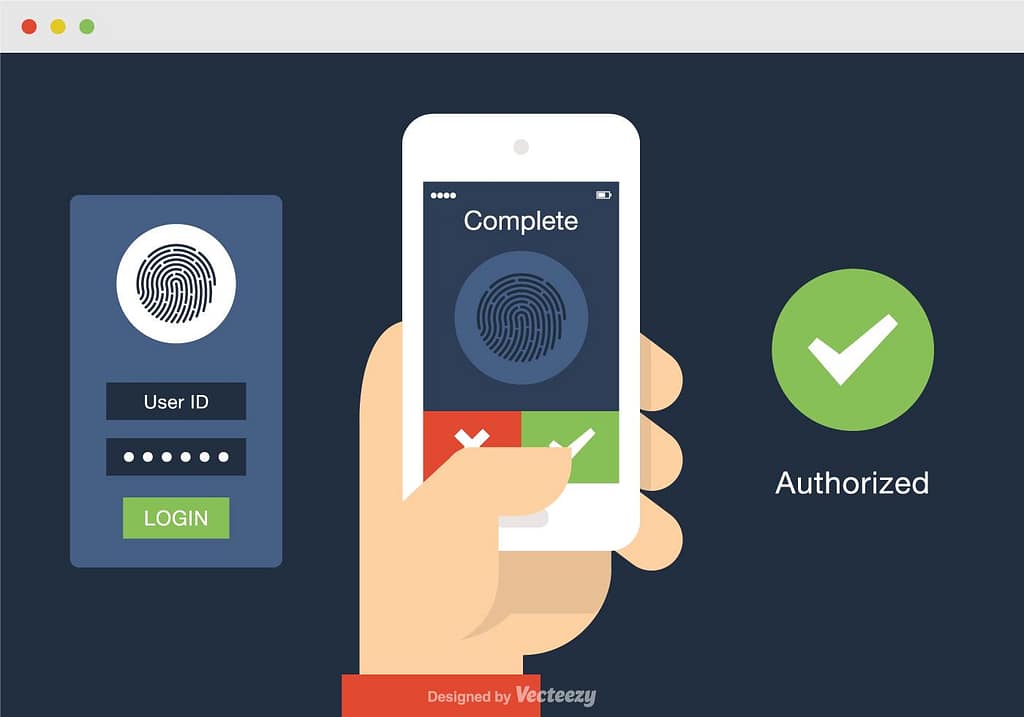
1. Enforce phishing-resistant MFA (FIDO2 / Windows Hello / certificate-based)

Move high-risk and admin accounts away from SMS/OTP and toward hardware or platform-bound MFA. Attackers capturing an OTP or password may still be stopped by phishing-resistant methods.
2. Tighten Conditional Access & Block Risky Flow
- Deny legacy and less secure auth flows unless explicitly required.
- Require device compliance and limit token lifetimes where practical.
- Block sign-ins that request unusual OAuth scopes or originate from unknown client IDs.
These controls increase the attacker effort and create signal for detection.
3. Restrict App Registrations, Consent, and Guest Signup

- Limit who can register applications and consent to permissions.
- Disable or tightly control self-service app signup and external user self-service where not needed.
- Implement admin-approved app consent policies to stop rogue apps from getting persistent access.
4. Lock down custom branding & review tenant configuration
Custom branding can be abused to spoof UI elements or fonts.
Audit branding changes, remove unnecessary tenant templates, and treat brand files like code — only trusted admins can change them.

5. Hunt for OAuth/Entra anomalies

We’ll set up detection rules to look for:
- unexplained token exchanges,
- refresh token usage by unusual client IDs,
- device registration spikes,
- concurrent sign-ins from geographically disparate IPs, and a
- authorization flows that finish but then promptly register devices.
These are high-value signals Elastic, Volexity and others flag as red flags.
6. Monitor PTA & on-prem auth paths
If a tenant uses Pass-Through Authentication (PTA) or has on-prem agents, monitor and limit who can install agents. Treat PTA endpoints like critical servers and protect them accordingly — they can leak plaintext passwords if compromised.
7. Tighter app-and-redirect hygiene

Only allow trusted redirect URIs; remove old app registrations; and require admin approval for apps that request high-impact scopes (mail.read, files.read.all, Directory.Read.All).
Think of app registrations like service accounts: audit them monthly.
8. User education — but realistic
Train users to expect unusual MFA prompts and to verify consent dialogs, but don’t rely on humans alone. Teach execs to verify unexpected “re-sign in” requests with a quick call.
We also recommend regular, realistic phishing simulations that include OAuth-style flows so users and controls are tested together.

9. Incident plan: tokens ≠ passwords
If we detect compromise, assume tokens are abused. Revoke refresh tokens, remove app consents, force device re-enrollment, and rotate credentials. This is faster and more effective than password resets alone in many token-based attacks.
What’s next?
This class of attacks shows attackers leveling up: they’re weaponizing trust — not just tricking users into typing passwords, but using Microsoft’s trust signals against us. That means prevention and detection must work together: harden the platform and hunt the telemetry.
The good news: these techniques leave footprints if you know what to look for. We do. You don’t have to learn every obscure attack; you just need an MSP who does.
