Healthcare / Medical

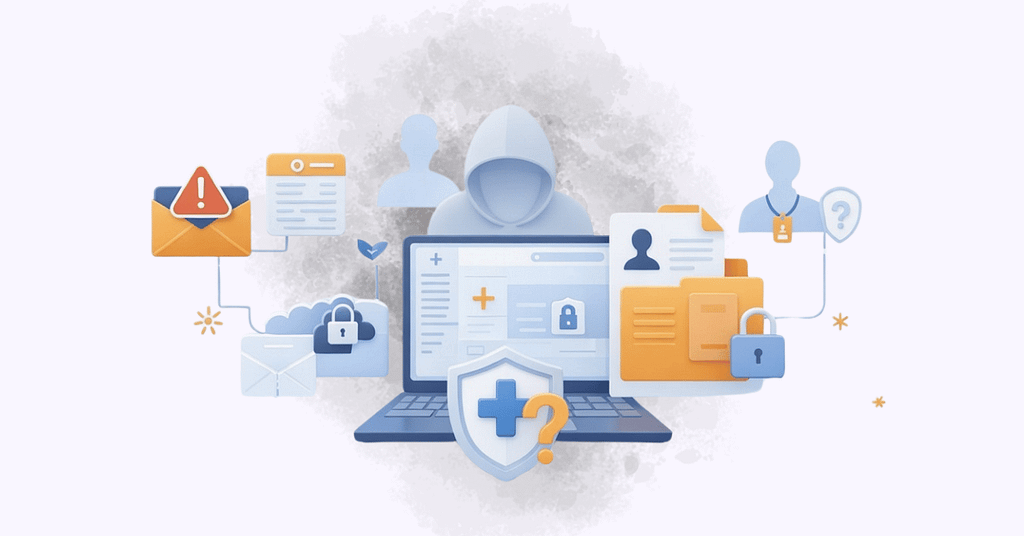
Flat illustration of a hooded cyber threat behind a healthcare laptop with email alerts, user credentials, and lock icons, representing PHI exposure risks from phishing, credential abuse, and patient data security gaps.

The Hidden PHI Exposure Risks in Healthcare Offices

Over the last five years, healthcare data breaches have continued to rise.

HHS reporting shows hacking and IT incidents account for the majority of large breaches. The FBI consistently ranks phishing among the most reported cybercrimes nationwide. Verizon’s breach investigations repeatedly highlight credential abuse and third-party involvement as dominant patterns in regulated industries.

None of this is new.

Healthcare leaders have been hearing about phishing, ransomware, and vendor risk for years.

So here’s the harder question:

If the threats are well known, why do the same protected health information (PHI) exposure risks keep surfacing inside healthcare offices?

The answer usually isn’t a lack of tools.

It’s something far more ordinary — and far easier to overlook.

And that’s where most patient data security strategies quietly break down.

1. Email Is Still the Primary Exposure Channel
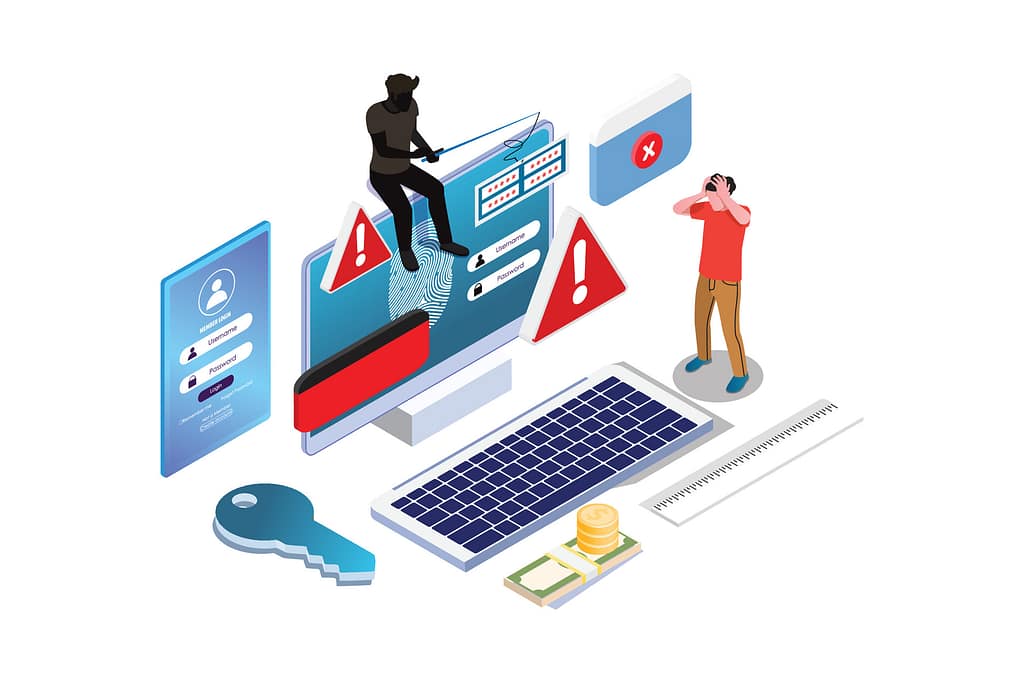
Illustration of a healthcare workstation showing login screens, warning icons, and unauthorized access symbols, representing PHI exposure risks from phishing, credential misuse, and insecure email workflows.

Public breach reporting continues to show that phishing and business email compromise remain consistent entry points in healthcare data breaches.

But the issue isn’t just malicious links.

It’s workflow design.

In many practices, PHI moves through email daily:

  • Insurance verifications
  • Lab communications
  • Billing follow-ups
  • Referral documentation

When patient data security depends on perfect attention from busy staff, exposure becomes inevitable.

The underestimated leadership risk?

You may have strong technical controls — but if PHI exposure risks are embedded in routine communication habits, they bypass infrastructure entirely.

2. Credential Abuse and Over-Permissioned Access

Verizon’s breach data consistently identifies credential misuse as one of the top access vectors.

In healthcare environments, that often translates to:

  • Shared EHR logins
  • Overextended front-desk permissions
  • Temporary staff accounts left active
  • Role creep over time

Unauthorized access doesn’t always look malicious. Often, it looks efficient.

But over-permissioned systems quietly expand PHI exposure risks.

Mature patient data security isn’t built on trust alone.

It’s built on intentional access boundaries that hold during busy days.

Flat illustration of a healthcare front desk and waiting room with staff accessing EHR systems, representing PHI exposure risks from shared logins, over-permissioned access, and credential misuse in clinical settings.

3. Third-Party Involvement Is No Longer Secondary Risk
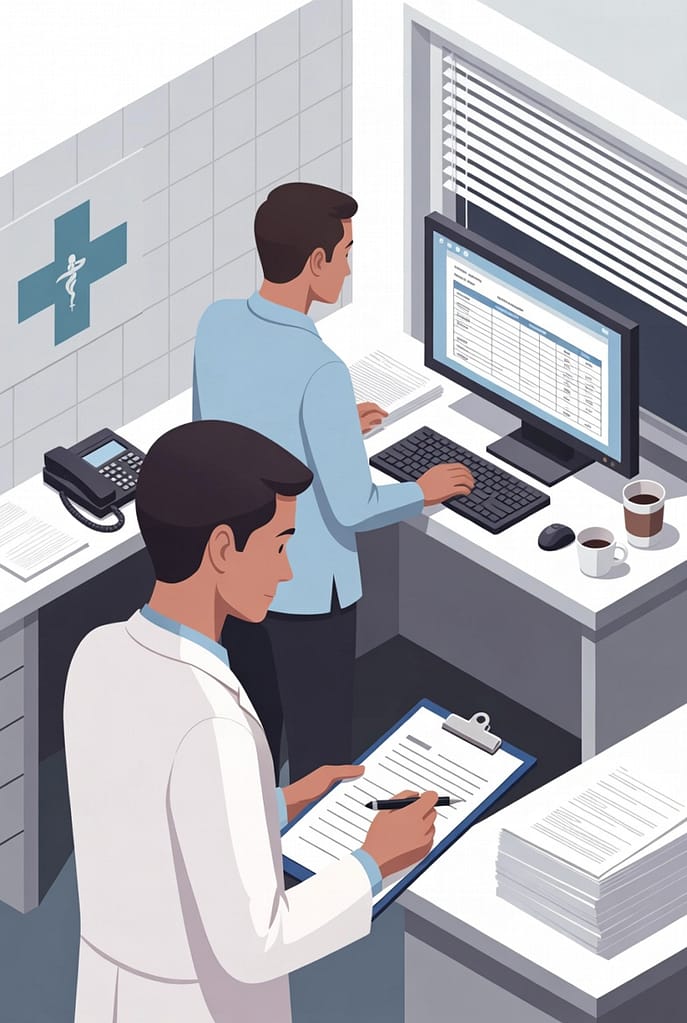
Flat illustration of healthcare staff reviewing vendor records and system dashboards, representing PHI exposure risks from third-party access, undocumented vendor oversight, and limited visibility into patient data security controls.

Recent reporting shows a meaningful rise in third-party involvement in breaches.

Healthcare offices rely on:

  • Billing partners
  • Imaging vendors
  • Cloud storage providers
  • Managed IT services
  • Patient portals

HHS investigations repeatedly identify business associates in large healthcare data breaches.

The leadership blind spot isn’t whether vendors are secure.

It’s whether oversight is structured.

If vendor access is informal, undocumented, or rarely reviewed, PHI exposure risks expand beyond your internal visibility.

And responsibility does not disappear when tasks are outsourced.

4. Exploited Vulnerabilities and Forgotten Systems

Verizon’s DBIR has highlighted growth in vulnerability exploitation — particularly where systems are unpatched or poorly tracked.

Healthcare organizations frequently operate with:

  • Legacy imaging systems
  • Old VPN configurations
  • Dormant servers
  • Network-connected medical devices
  • Remote access tools left enabled

Many breaches originate from assets leadership didn’t realize were still active.

This is where PHI exposure risks become a visibility issue.

You cannot secure what you cannot see.

Flat illustration of healthcare clinicians working at networked computer workstations, representing PHI exposure risks from legacy systems, unpatched software, and limited visibility into connected medical devices.

5. Paper Incidents Still Trigger Enforcement
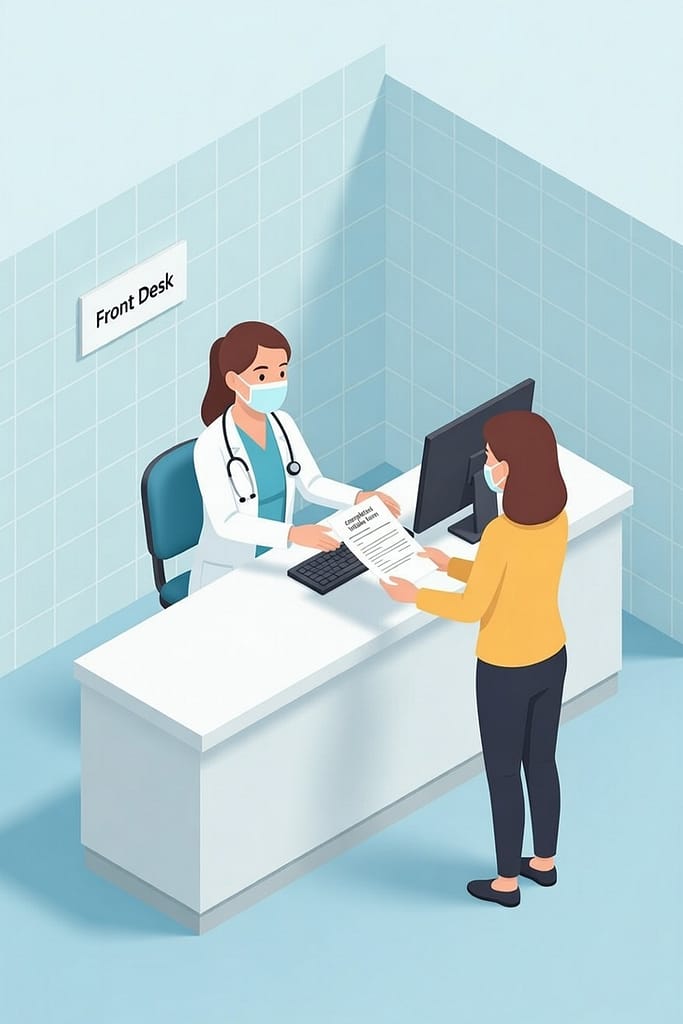
Flat illustration of a clinic front desk where a patient hands paper forms to staff, representing PHI exposure risks from misplaced intake documents, visible schedules, and improper paper record handling.

While digital attacks dominate headlines, paper-based exposures continue to generate reportable incidents:

  • Misplaced intake forms
  • Printed schedules visible at front desks
  • Faxes sent to the wrong number
  • Improper disposal

These events often trigger patient complaints quickly because they are visible and personal.

PHI exposure risks are medium-agnostic.

The common denominator is control.

6. Ransomware Now Means Data Theft First

Healthcare remains one of the most targeted sectors for ransomware.

Recent breach disclosures increasingly show a common pattern:

Data exfiltration occurs before encryption.

This changes the risk equation.

Backups restore operations.
They do not prevent exposure.

Hacking and IT incidents account for the majority of large healthcare data breaches, and ransomware frequently includes theft as part of the attack model.

Patient data security must now address exposure risk — not just downtime risk.
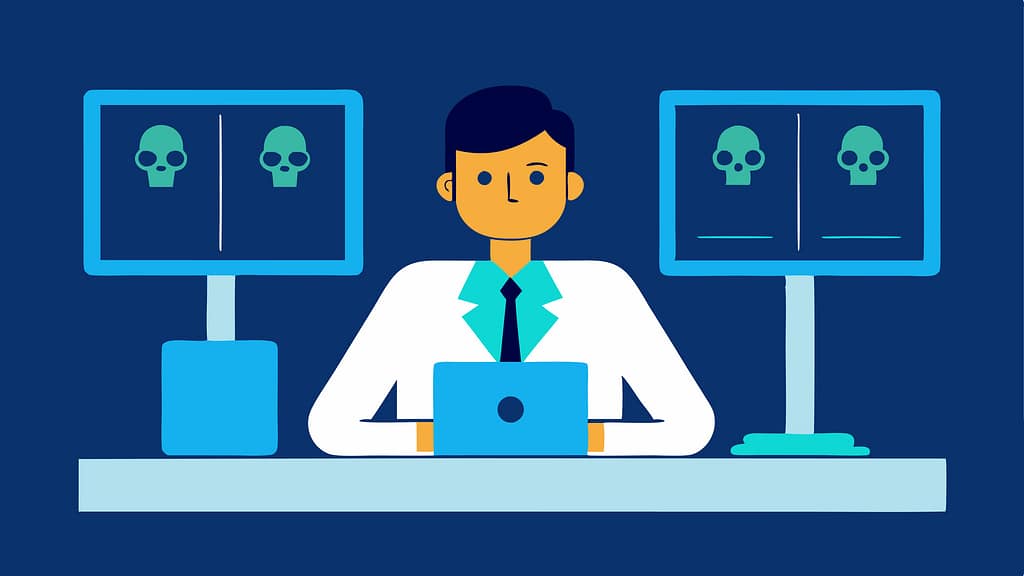
Flat illustration of a professional at a computer with ransomware warning symbols on monitors, representing PHI exposure risks from data exfiltration, hacking, and healthcare ransomware attacks.

7. Smaller Practices Are Not Insulated
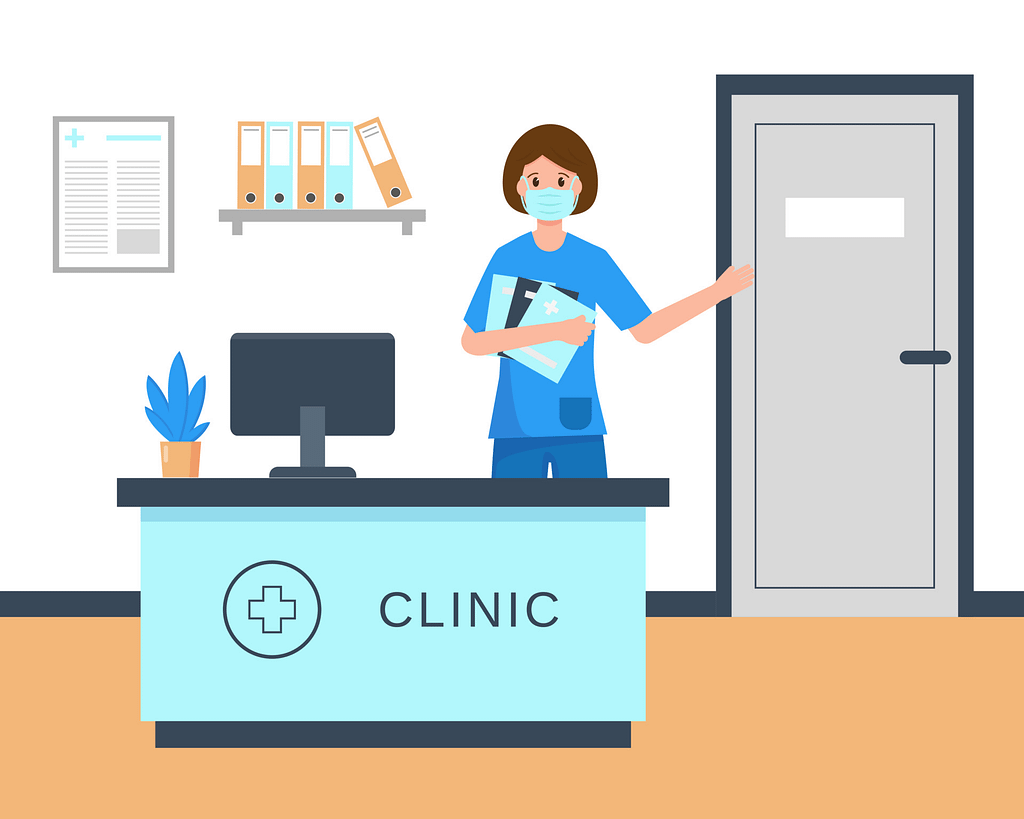
Flat illustration of a small healthcare clinic front desk with a staff member holding patient files, representing PHI exposure risks in small and mid-sized practices with limited oversight and informal access controls.

Public reporting consistently shows small- and mid-sized organizations are heavily targeted.

Common factors include:

  • Lean oversight structures
  • Informal access reviews
  • Limited vendor governance
  • Slower response processes

Healthcare data carries value regardless of practice size.

And in smaller environments, operational disruption can be more concentrated.

What the Data Suggests — But Doesn’t Say Explicitly

Across enforcement summaries and breach disclosures, a consistent theme emerges:

Exposure originates where visibility declines.

Not where technology is weakest.

But where oversight is informal.

Where ownership is assumed.

Where workflows evolved without review.

This is why many healthcare data breaches repeat familiar patterns.

The issue is rarely ignorance.

It’s drift.

What Strong Patient Data Security Actually Looks Like

Reducing PHI exposure risks isn’t about adding more tools.
It’s about strengthening visibility — and building a structured approach to IT oversight that aligns with leadership priorities.

Healthcare organizations that reduce breach likelihood tend to:

  • Map how PHI flows across systems and vendors
  • Restrict access based on role necessity
  • Conduct recurring access reviews
  • Audit dormant systems annually
  • Formalize vendor oversight processes
  • Run realistic phishing simulations
  • Align IT oversight with leadership review

The strongest environments aren’t reactive. They are intentional.

The Leadership-Level Question…

If you review breach data from the past five years, one pattern stands out:

The technical mechanisms vary.
The operational weak points repeat.

So the real question isn’t:

“Are we protected?”

It’s:

“Do we have visibility into how patient data actually moves through our practice — and where it could leave without us knowing?”

That’s where PHI exposure risks either shrink — or quietly grow.

Flat-style digital illustration of an IT professional using a tablet in a calm, modern office. In the background, multiple workstations display structured system dashboards. Text reads: “Get in touch with our team.” InfiNet logo shown.

Frequently Asked Questions

1. What are the most common PHI exposure risks in healthcare?

The most common PHI exposure risks include phishing, credential misuse, unauthorized internal access, third-party/vendor exposure, and exploited vulnerabilities.

2. Are most healthcare data breaches caused by ransomware?

Ransomware plays a major role, but many healthcare data breaches begin with phishing or credential compromise before ransomware is deployed.

3. How do vendors contribute to PHI exposure risks?

Vendors may retain unnecessary access, operate unpatched systems, or lack structured oversight — expanding exposure beyond internal controls.

4. Do backups eliminate patient data security risks?

No. Backups restore systems after an attack but do not prevent stolen PHI from being exposed or sold.

5. How often should PHI exposure risks be reviewed?

At minimum annually — though mature organizations incorporate ongoing access reviews and vendor oversight into routine governance.

The Hidden PHI Exposure Risks in Healthcare Offices Read More »

Dental Imaging Downtime What It Really Costs Your Practice

Dental Imaging Downtime: What It Really Costs Your Practice

Imaging rarely feels like a risk — until it stops working.

In most dental practices, digital imaging runs quietly in the background.

X-rays load.
Files attach.
Insurance claims move forward.

No one thinks about the system because it simply works.

When it doesn’t, everything slows down at the same time.

Dental imaging downtime isn’t just a technical interruption. It exposes how dependent your clinical flow, documentation, and revenue cycle have become on a system most practices assume is stable.

And when that stability is assumed instead of managed, small failures can carry outsized consequences.

Why Dental Imaging Is Mission-Critical

Your digital imaging system is tightly integrated with:

  • Practice management platforms like Dentrix, Eaglesoft, and Open Dental
  • Electronic health records
  • Insurance claim documentation
  • Chairside case presentation workflows

When imaging fails, the impact is immediate.

Front desk teams can’t finalize documentation.
Providers hesitate to diagnose without visuals.
Insurance workflows stall.
Treatment conversations lose clarity.

Unlike minor software glitches, dental imaging downtime affects both clinical and administrative operations at the same time. It compresses the entire practice into reactive mode.

And reactive mode is expensive.

The Direct Financial Cost of Dental Imaging Downtime

1. Lost Production Per Hour

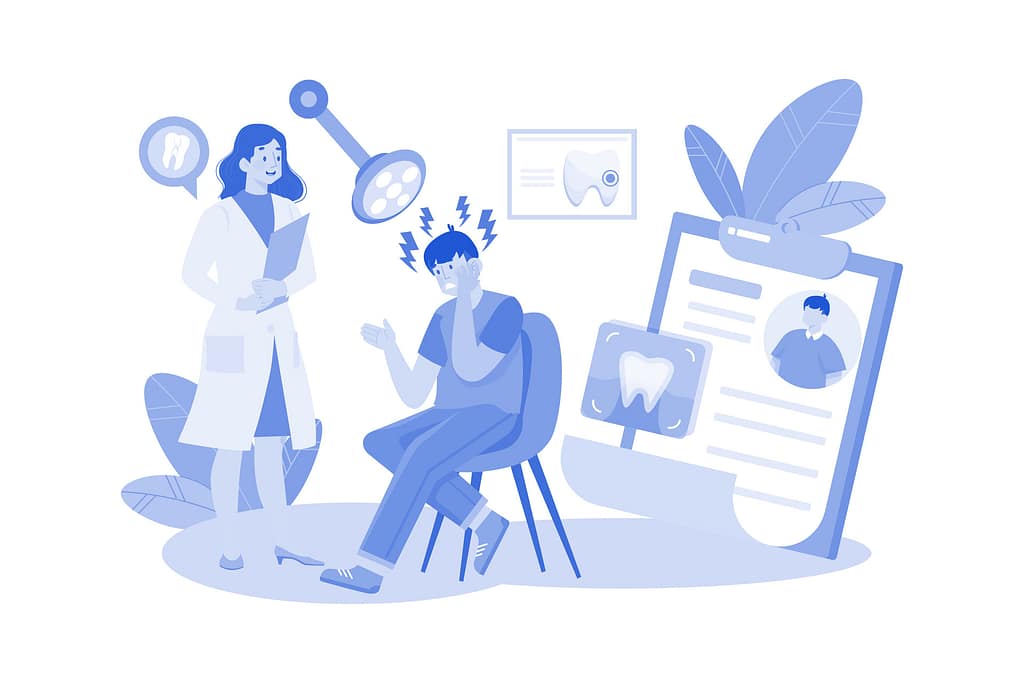
Dental front desk and providers reviewing x-ray image during dental imaging downtime, illustrating lost production and schedule disruption in a multi-operatory practice.

When a digital x-ray system failure occurs, practices often face difficult choices:

  • Reschedule patients
  • Complete exams without images
  • Delay treatment presentation
  • Push diagnostics to future appointments

Even one hour of downtime can lead to:

  • Missed production
  • Lower case acceptance
  • Delayed billing
  • Insurance submission gaps

In multi-provider practices, this compounds quickly. One imaging server issue can affect multiple operatories simultaneously.

What looks like “just an IT issue” can quietly cost thousands in lost production in a single day.

2. Schedule Compression and Overtime

When systems come back online, most practices try to recover.

You run behind.
You extend hours.
You squeeze patients into already tight blocks.

The result?

  • Staff overtime
  • Provider fatigue
  • Increased likelihood of charting errors
  • Frustrated team members

The ripple effect of dental imaging downtime rarely ends when the system reboots. It lingers throughout the day — sometimes the week.

Illustration of dental team working around systems and patient records during dental imaging downtime, highlighting schedule compression, overtime, and workflow strain.

3. Patient Experience and Trust

Patient waiting in dental chair while provider reviews records during dental imaging downtime, illustrating uncertainty and impact on patient confidence.

From a patient’s perspective, imaging downtime feels like disorganization.

They don’t see a network conflict.
They see waiting.
They see uncertainty.
They hear, “Our system is down.”

In a competitive dental market, perception matters.

Repeated technology disruptions quietly erode confidence. Patients begin to question whether the practice is modern, prepared, and reliable — even if the clinical care is excellent.

Trust erodes gradually. Not dramatically.

4. Clinical Documentation and Compliance Exposure

Here’s where dental practice technology risks become serious.

When imaging systems fail, workarounds begin:

  • Saving images locally on workstations
  • Manually attaching files later
  • Skipping immediate backups
  • Relying on memory instead of documented diagnostics

These shortcuts introduce risk:

  • Lost or corrupted images
  • Incomplete patient records
  • Insurance claim denials
  • Audit exposure

Imaging databases are large, complex, and tightly integrated. Without proper backup architecture and monitoring, a hardware failure or corrupted update can result in permanent data loss.

That risk often goes unnoticed — until it becomes a crisis.

Medical records folder with charts and reports representing dental practice technology risks during dental imaging downtime, highlighting backup gaps and potential data loss.

What Actually Causes Digital X-Ray System Failure?

Many practices assume imaging downtime is hardware-related.

A bad sensor.
An aging workstation.
A faulty cable.

In reality, most digital x-ray system failure incidents stem from broader infrastructure issues:

  • Aging servers running unsupported operating systems
  • Storage devices nearing failure without monitoring
  • Imaging software updates conflicting with practice management platforms
  • Improperly configured backups
  • Network bottlenecks affecting database performance

Even more common?

Vendor finger-pointing.

The imaging vendor blames the server.
The practice management vendor blames the imaging driver.
No one owns the full system.

Without dedicated dental IT support overseeing the entire environment, the root cause often remains unresolved. The same issue returns months later — sometimes worse.

Why Vendor Support Alone Isn’t Enough

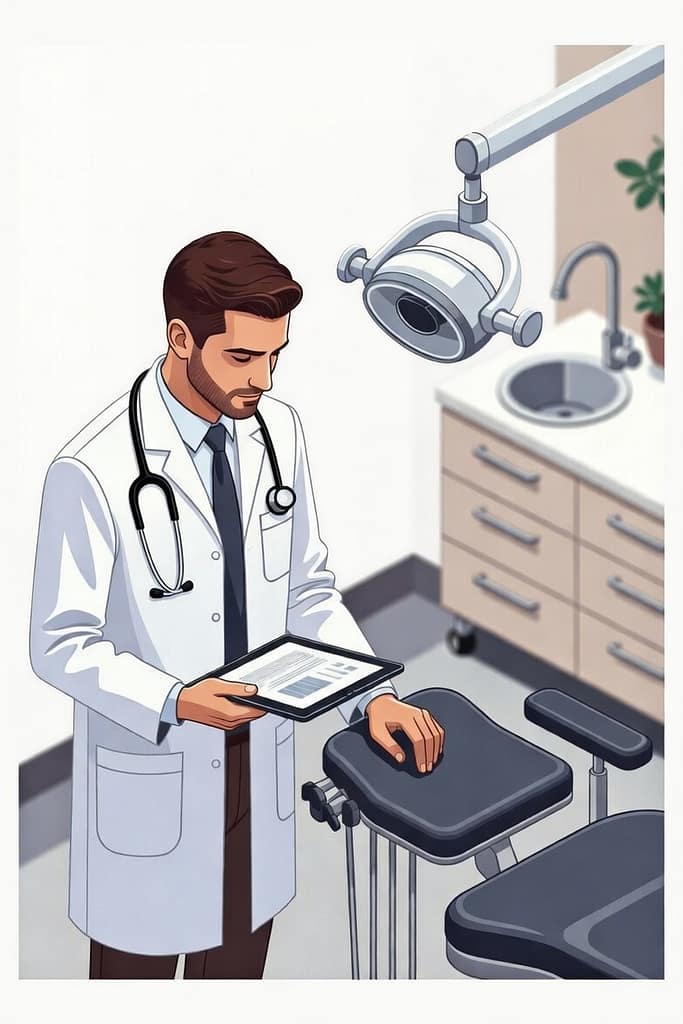
Dentist reviewing tablet in operatory during dental imaging downtime, illustrating vendor support gaps and lack of unified system accountability.

Imaging vendors support their application.

Practice management vendors support their software.

Neither is responsible for:

  • Your network health
  • Server lifecycle planning
  • Backup validation
  • Patch management across the environment
  • Storage capacity forecasting

This creates a gap in accountability.

When dental imaging downtime occurs, everyone fixes their piece — but no one addresses the system as a whole.

Over time, downtime becomes normalized.

“It happens sometimes.”

But it shouldn’t.


What Proactive Dental IT Support Actually Looks Like

The difference between reactive support and mature dental IT support is not speed.

It’s prevention.

Here’s what prevention looks like in a dental environment:

Proactive Monitoring

Continuous monitoring of:

  • Server storage health
  • Imaging database services
  • Network performance
  • Backup job completion

This allows issues to be identified before failure occurs.

Tested, Verified Backups

Backups are not protection unless they are tested.

A mature environment includes:

  • Automated imaging database backups
  • Offsite replication
  • Regular restore validation
  • Documented recovery procedures

When downtime occurs, restoration should be predictable — not experimental.


Update and Patch Governance

Imaging environments are sensitive.

Uncontrolled updates can break drivers or integrations. Mature practices implement:

  • Controlled patch windows
  • Compatibility verification
  • Staged update testing

This reduces the likelihood of a sudden digital x-ray system failure after an automatic update.

Hardware Lifecycle Planning

Servers and workstations have predictable life spans.

Waiting for failure is not a strategy.

A proactive dental IT support partner plans hardware replacement before end-of-life — not after a crash.


Single Point of Accountability

The most important factor?

One team responsible for the entire environment.

Imaging.
Server.
Network.
Backup.
Security.

When ownership is unified, downtime decreases dramatically — because systems are designed intentionally, not assembled reactively.

A Better Question for Practice Leadership

Most practices ask:

“How fast can someone fix it when it breaks?”

A more strategic question is:

“Why is it breaking at all?”

Dental imaging downtime is rarely isolated. It is often the first visible symptom of a broader technology maturity issue.

When systems are layered over time — new software, new workstations, incremental upgrades — complexity increases.

Without intentional oversight, risk accumulates quietly.

And imaging is usually the first thing to expose it.

What “Mature” Dental Technology Actually Looks Like

A mature dental technology environment is:

  • Predictable
  • Monitored
  • Documented
  • Strategically planned
  • Aligned with growth

Imaging systems are:

  • Properly integrated
  • Backed up reliably
  • Updated carefully
  • Supported holistically

Downtime becomes rare — not routine.

And when issues do occur, recovery is controlled and fast.

That level of clarity doesn’t happen accidentally. It requires leadership visibility into how systems actually work together.

What Dental Practices Should Know

Dental imaging downtime doesn’t just cost money.

It costs momentum.
It costs confidence.
It costs operational control.

Practices that rely solely on vendor hotlines and break-fix responses often experience:

  • Recurring disruptions
  • Growing infrastructure fragility
  • Increased compliance risk
  • Team frustration

Practices that invest in proactive dental IT support gain something more valuable than fast repairs:

They gain predictability.

And in a clinical environment where every hour matters, predictability is power.

Frequently Asked Questions

1. How much does dental imaging downtime typically cost?

The cost of dental imaging downtime varies by practice size, but even one hour can result in thousands of dollars in lost production, delayed billing, and rescheduled patients.

2. What causes digital x-ray system failure most often?

Most digital x-ray system failure incidents are caused by server, storage, or network issues — not the sensor itself. Aging hardware, incompatible updates, and poor backup configurations are common contributors.

3. Is vendor support enough to prevent imaging downtime?

Vendor support is reactive and application-specific. Preventing dental imaging downtime requires oversight of the entire infrastructure, including servers, backups, and network health.

Proactive dental IT support reduces downtime through monitoring, tested backups, controlled updates, hardware lifecycle planning, and unified accountability.

5. Are imaging failures a compliance risk?

Yes. Lost or corrupted diagnostic images can create documentation gaps, insurance claim challenges, and potential audit exposure if not properly backed up and secured.


If you’re unsure whether your imaging environment is predictable — or just patched together — start with visibility.

Clarity around where risk actually lives inside your practice technology stack is the first step toward reducing downtime.

No urgency. No pressure. Just perspective.

Flat-style digital illustration of an IT professional using a tablet in a calm, modern office. In the background, multiple workstations display structured system dashboards. Text reads: “Get in touch with our team.” InfiNet logo shown.

Dental Imaging Downtime: What It Really Costs Your Practice Read More »

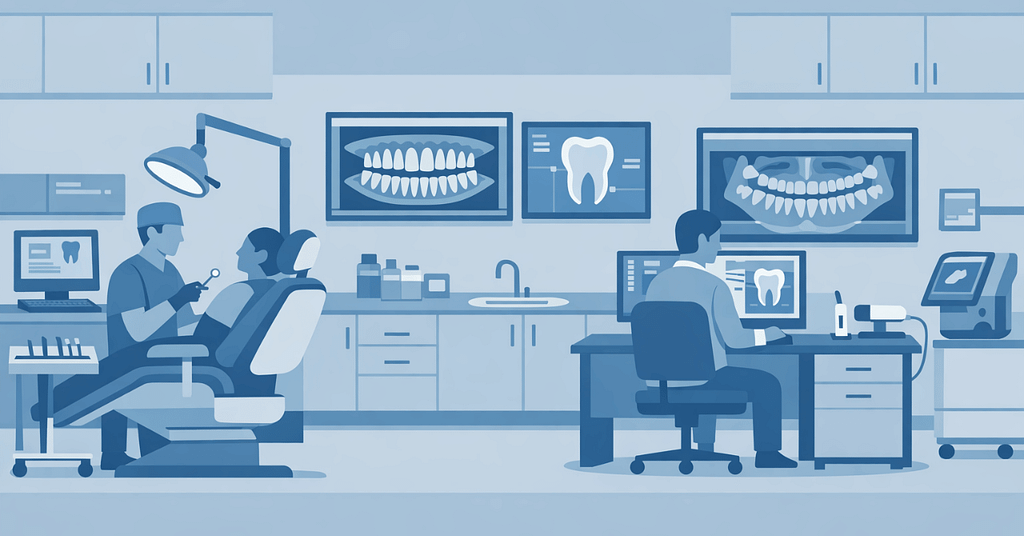
Illustration of a modern dental office showing imaging systems, workstations, and clinical workflow supported by dental IT support.

Dental IT Support: What Dentists Should Look for in an MSP

Running a dental practice today means managing far more than patient care.

You’re balancing schedules, staff workflows, compliance requirements, and a growing set of digital systems that keep the operatory moving.

When something breaks — a sensor stops responding, imaging software freezes, or the server hosting your charts goes down — the impact is immediate. Appointments slow. Staff scramble. Patients feel it.

That’s why dental IT support isn’t just an IT decision. It’s an operational one.

The right Managed IT Service Provider (MSP) keeps your practice running smoothly behind the scenes. The wrong one becomes another source of disruption.

Dental Software Expertise Isn’t Optional — It’s Part of How We Serve Our Local Practices

Dental practices don’t operate like typical office environments.
They rely on tightly integrated systems where imaging, charting, scheduling, and patient communication all depend on each other working seamlessly.

In our local dental community in Omaha, we’ve built our support approach around that reality.

We regularly work with environments powered by:

  • Oryx, Open Dental, and EagleSoft
  • Sidexis, Dexis, XVCapture, and Pano
  • MouthWatch and other intraoral cameras
  • Ortho2 orthodontic systems
  • Modento patient communication tools
  • Sensors, pano, and CBCT integrations

But the real value isn’t just familiarity with names on a screen.

It’s understanding what matters most inside a practice:

  • Imaging must work when a patient is in the chair.
  • Charting can’t lag during treatment.
  • Scheduling interruptions ripple through the entire day.
  • Vendor coordination shouldn’t fall on your front desk.

Our role as a managed IT service provider isn’t to “figure it out” when something breaks.
It’s to understand your systems well enough that problems are prevented — and resolved quickly when they do occur.

That’s how trust is built locally. Not through promises, but through consistent, informed support where production time is protected.

Compliance and Security That Protects Patient Trust

Dental practices handle sensitive patient data every day. A security incident isn’t just a technical problem — it’s a compliance, reputational, and operational issue.

Strong dental IT support should include:

  • Encrypted data storage and backups
  • Secure email and phishing protection
  • Multi-factor authentication
  • AI automation from patient calls to X-ray reviews
  • Network security (staff vs. guest Wi-Fi and HIPPA compliance testing)
  • Regular vulnerability reviews

HIPAA-aligned security practices aren’t about checking boxes — they’re about protecting patient trust and keeping your practice out of reactive situations.

Downtime Prevention (Because Every Chair Matters)

In dentistry, downtime is visible. One operatory offline can disrupt an entire day.

Instead of reacting after something fails, look for dental IT support that focuses on prevention:

  • Proactive monitoring of servers, workstations, and imaging devices
  • Fast remote response during clinic hours
  • Clear escalation paths for urgent issues
  • Redundancy for critical systems

The real value of an MSP isn’t how fast they respond — it’s how often you don’t need them.

IT That Fits the Way Dental Teams Actually Work

Dental practices have a rhythm. Assistants move quickly between rooms. Imaging needs to load instantly. Charting must be reliable.

An experienced dental IT provider understands:

  • How operatories are laid out
  • How imaging integrates with charting and scheduling
  • How to schedule maintenance without interrupting patient flow
  • How to support peak hours without slowing the team down

Technical knowledge matters — but so does respect for how clinics operate.

Support That’s Present — Not Just Available

Dental practices aren’t generic office environments. They’re physical spaces with operatories, imaging rooms, front desks, and tightly coordinated workflows.

Supporting that kind of environment requires more than remote access, but on-site support.

While many issues can be handled quickly from afar, there are moments when being onsite matters — validating equipment, coordinating with vendors, reviewing infrastructure, or simply understanding how the practice actually runs.

Relationship-driven IT support means being close enough to step in when needed — not just logging in from a distance.

Presence builds familiarity. Familiarity builds trust. And trust protects production time.

Honest Guidance, Not Constant Upselling

Technology decisions in a dental practice carry real cost. The right MSP acts as an advisor, not a reseller.

That means helping you decide:

  • When upgrades are necessary — and when they’re not
  • Whether cloud, on-premises, or hybrid setups make sense
  • Which patient communication tools are secure and practical
  • How to modernize without overspending

Good dental IT support provides clarity, not pressure.

Transparent Pricing and Predictable Costs

Surprise invoices erode trust quickly.

A reliable dental MSP should clearly explain:

  • What’s included in monthly support
  • What’s considered out of scope
  • Whether imaging devices are covered
  • Emergency or after-hours availability
  • Contract terms and exit options

Predictability matters more than the lowest price. Stability keeps practices running.

Backup and Disaster Recovery You Can Actually Rely On

Practice data is irreplaceable. Charts, images, and treatment plans are your lifeline.

Dental IT support should include:

  • Automated, daily backups
  • Multiple restore points
  • Offsite, encrypted storage
  • Documented recovery timelines
  • Regular backup testing

A backup that hasn’t been tested isn’t a backup — it’s a risk.

Support That Scales as Your Practice Grows

Even if expansion isn’t immediate, your IT should be ready when the time comes.

Look for an MSP that can support:

  • Multi-location practices
  • Standardized system configurations
  • Secure remote access for owners
  • Centralized data and reporting
  • Scalable storage and networking

Growth shouldn’t require replacing your IT partner.

Clear, Human Communication

Dentists don’t need technical lectures. They need clear answers.

Strong dental IT support communicates:

  • In plain language
  • With respect for your time
  • Proactively, not reactively
  • Without hiding behind jargon

Good communication builds confidence. Consistent communication builds trust.

Vendor Coordination Without Finger-Pointing

Dental IT often involves multiple vendors — equipment suppliers, imaging providers, software companies.

A capable MSP should:

  • Coordinate directly with vendors
  • Manage updates safely
  • Help navigate warranty issues
  • Take ownership of integration problems

You shouldn’t be caught in the middle of technical blame games.

Final Thoughts: Dental IT Support Should Feel Like a Partnership

Choosing dental IT support isn’t about finding the flashiest MSP or the cheapest package. It’s about finding a partner who understands the pace, pressure, and expectations of running a dental practice.

When IT works quietly in the background, your team stays focused on patient care.
When it doesn’t, everything feels harder than it should.

The right dental MSP brings stability, clarity, and confidence — so technology supports your practice instead of slowing it down.

If you’re unsure whether your current IT setup is truly supporting your practice — start with clarity.

A practical review can reveal where risk, friction, or downtime might be hiding.

Dental professional reviewing a tablet dashboard in a modern clinic setting, representing dental IT support services by InfiNet Technology People.

Dental IT Support: What Dentists Should Look for in an MSP Read More »

Flat-style illustration of a healthcare clinic workstation with overlapping interface panels on screen, suggesting shared access and system ambiguity—visually supporting the concept of hidden IT risks in clinics with shared devices.

Hidden IT Risks in Clinics with Shared Devices

Most clinics don’t operate in quiet, controlled office environments.

In community clinics and multi-provider practices, front desks stay busy, exam rooms turn over quickly, and staff move between systems all day long. Workstations are shared across shifts. Devices are logged into, stepped away from, and picked back up—often within minutes.

In that kind of environment, technology isn’t just supporting care—it’s woven directly into the pace of operations.

That’s also where many IT risks in clinics quietly take hold.

Not because teams are careless, but because clinical workflows prioritize speed, access, and continuity of care.

And when systems are designed like traditional offices instead of real clinics, clinic cybersecurity risks tend to surface in ways leadership doesn’t see until there’s a problem.

Why Clinics Face a Different Category of IT Risk

Healthcare IT environments operate under constraints most businesses don’t.

You’re balancing:

  • Patient experience
  • Clinical efficiency
  • Compliance requirements
  • Limited downtime tolerance

Unlike a single-user office setup, clinics rely on shared devices healthcare environments—front desk computers, exam room workstations, tablets, printers, and specialty systems that multiple people touch every day.

Federal healthcare guidance has long recognized shared workstations as a risk area when access controls and session management aren’t aligned with real workflows.

From an IT perspective, that changes everything.

Risk isn’t just about firewalls or antivirus software. It’s about how systems behave when:

  • Logins are reused
  • Sessions stay open
  • Devices move between rooms
  • Accountability becomes blurred

These conditions don’t look dangerous on paper. But operationally, they create gaps that traditional “check-the-box” security doesn’t address.

Shared Devices: Convenience That Quietly Expands Exposure

Shared workstations are common in clinics—for good reason. They keep workflows moving.

But from a risk standpoint, shared devices introduce challenges that are easy to underestimate:

  • Unclear user accountability
    When multiple staff use the same device, it’s harder to trace actions back to individuals—especially during audits or investigations.
  • Session overlap
    A user steps away without logging out. Another steps in. Patient data remains accessible longer than intended.
  • Inconsistent access control
    Staff roles change, but permissions don’t always follow at the same pace.

This is one of the most overlooked IT risks in clinics—not because leaders don’t care, but because the risk is embedded in everyday efficiency.

Good security controls for shared workstations doesn’t fight this reality. It adapts to it.

The Front Desk: Where Workflow Speed Meets Data Sensitivity

It doesn’t come as a surprise that the front desk is one of the busiest—and most exposed—areas in any clinic.

It’s where:

  • Patient data is first accessed
  • Payments are processed
  • Appointments are scheduled
  • Phones, printers, and systems converge

From a cybersecurity standpoint, this creates a dense intersection of systems, people, and sensitive information.

Common front-desk risks include:

  • Screens visible to patients or visitors
  • Credentials shared across shifts
  • Devices left unlocked during high-traffic moments

None of this signals negligence. It signals operational pressure.

The real issue is that clinic cybersecurity risks here are environmental, not technical. And operational risk in healthcare environments require intentional design—not just security software.

Fast Workflows Create “Invisible” Risk Accumulation

Speed is essential in healthcare. But speed also compresses margin for error.

When workflows move fast:

  • Security steps get bypassed unintentionally
  • Policies exist but aren’t practical
  • Training fades under real-world pressure

Over time, small exceptions become the norm. And risk quietly accumulates, warranting intentional IT planning.

This is why many clinics feel “mostly secure” until something forces a closer look—an audit, a breach, a vendor requirement, or an insurance question.

At that point, leaders aren’t asking:

“What tools do we need?”

They’re asking:

“Where are we actually exposed?”

What “Good” Looks Like in a Shared-Device Clinic Environment

Mature protection in clinics doesn’t mean locking everything down or slowing care.

It means designing systems around how clinics actually operate.

That includes:

  • Role-based access that matches real workflows
  • Clear session management on shared devices
  • Visibility into who accessed what—and when
  • Training that reflects reality, not policy documents

Most importantly, it means leadership-level clarity around system access and accountability.

When protection is intentional, clinic leaders can confidently answer:

  • Are we managing risk—or just reacting to it?
  • Do our workflows align with compliance expectations?
  • Could we explain our security posture if asked tomorrow?

That confidence doesn’t come from more tools. It comes from alignment.

Why IT Risk in Clinics Is a Leadership Issue, Not Just an IT One

This is where many conversations stall.

IT teams focus on systems. Vendors focus on solutions. But IT risks in clinics ultimately affect:

  • Patient trust
  • Operational continuity
  • Regulatory standing
  • Leadership accountability

That’s why effective risk management requires perspective—not just technical fixes.

The goal isn’t perfection. It’s awareness, prioritization, and intentional decision-making.

How InfiNet Approaches Clinic IT Risk (Without Disrupting Care)

At InfiNet, our role isn’t to introduce complexity or fear.

It’s to help clinic leadership:

  • See where risk actually lives
  • Understand tradeoffs clearly
  • Make decisions that fit clinical reality

That means working from workflows outward—not from tools inward.

When clinics understand their exposure, they’re able to protect patients, staff, and operations without sacrificing efficiency or trust.

Start With Clarity

If you’re unsure where risk actually exists in your clinic—or whether your current setup reflects how your team truly works—start with visibility.

A clear, practical assessment can help you understand exposure without disrupting care or overcorrecting.

Flat illustration of a professional woman reviewing information on a tablet in a modern office, with abstract system elements and open space for call-to-action text.

Frequently Asked Questions

1. What are the most common IT risks in clinics?

The most common IT risks in clinics come from shared devices, unclear access controls, fast workflows, and limited visibility into user activity—not from lack of technology.

2. Why are shared devices risky in healthcare?

Shared devices healthcare environments make accountability and session control harder, increasing the chance of unauthorized access or data exposure.

3. Are clinic cybersecurity risks different from other industries?

Yes. Clinics prioritize speed, access, and patient care, which creates unique operational risks that standard office security models don’t fully address.

4. How can clinics improve security without slowing workflows?

By aligning access controls, session management, and training with real-world workflows instead of rigid policies that don’t reflect daily operations.

5. Is cybersecurity mainly an IT responsibility in clinics?

No. While IT plays a key role, clinic cybersecurity risks affect leadership, compliance, operations, and patient trust—making it a shared responsibility.

Hidden IT Risks in Clinics with Shared Devices Read More »

Call Now Button