

Most leaders don’t think about data loss until something feels off — a missing folder, a locked system, a vendor calling about a breach, or finance asking why invoices were redirected.
But in 2026, data loss rarely looks like a dramatic server crash.
It looks like recoverability failing.
Not just “Did something break?”
But:
- Can you restore the right data
- To the right place
- Within the right timeframe
- Even if credentials are compromised?
That’s the real conversation now.
The most common causes of data loss aren’t random disasters. They follow patterns. And those patterns show up repeatedly in industry reporting from sources like Verizon’s DBIR, NIST guidance, and CISA backup recommendations.
Here’s what they look like in the real world — and how intentional businesses prevent them.
Table of Contents
1. Human Error Still Leads the List
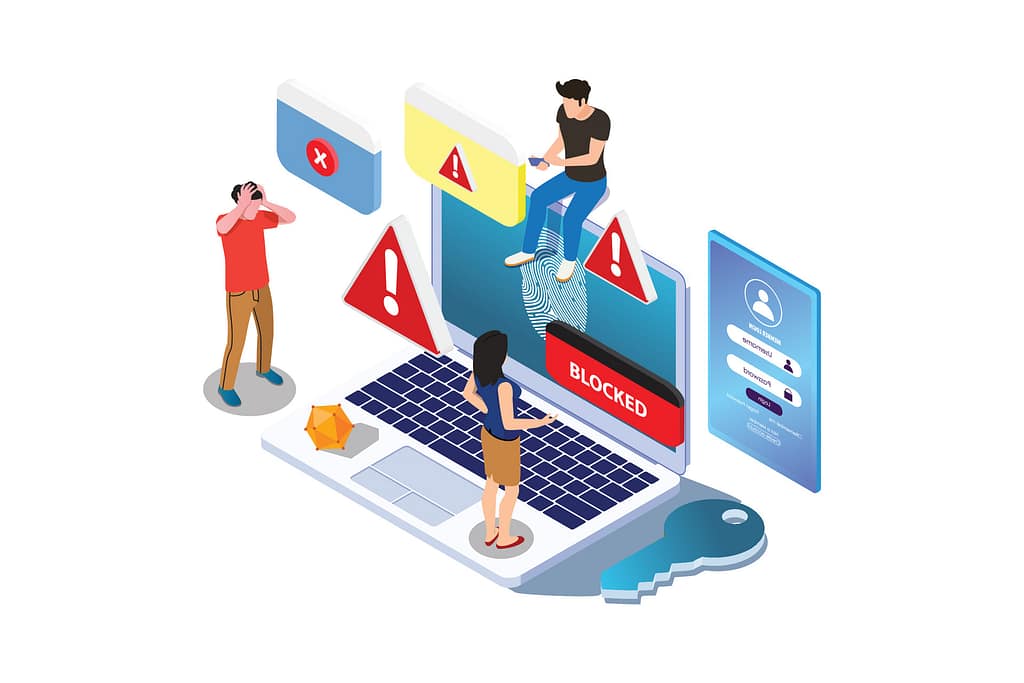
It’s rarely malicious.
Someone deletes the wrong SharePoint folder.
A spreadsheet is overwritten.
A departing employee “cleans up” files.
Data is synced into the wrong tenant.
The human element continues to show up consistently in breach and incident reporting across industries. Even when attacks aren’t happening, mistakes are.
What Leadership Often Underestimates
Platform recycle bins and version history feel like safety nets.
They’re not strategy.
Microsoft documents versioning, restore windows, and recycle capabilities in M365 — but those are service features, not full recovery architecture.
What Mature Prevention Looks Like
- Least privilege access (not everyone can delete everything)
- Retention policies and legal holds where appropriate
- Controlled external sharing defaults
- Backup systems separate from production access
Good environments assume mistakes will happen — and design recoverability accordingly.
2. Ransomware & Backup Hunting
Ransomware in 2026 isn’t just encryption.
It’s:
Credential theft → Privilege escalation → Backup tampering → Exfiltration
Sometimes there’s no encryption at all — just data theft and extortion.
Industry reporting continues to show ransomware present in a significant share of breaches. And attackers increasingly target identity first — because if they control credentials, they can delete backups.
What Breaks Down
“We have backups” becomes meaningless if:
- Backup credentials use the same identity system
- Deletion isn’t protected
- Backups aren’t immutable
- No restore testing has been done
What Intentional Design Looks Like
- MFA everywhere (especially admin roles)
- Segmented backup infrastructure
- 3-2-1 backup rule extended with immutable/offline copies
- Backup admin credentials separate from production identity
- Quarterly restore testing
CISA explicitly recommends layered backups and 3-2-1 principles to improve recoverability odds. NIST guidance emphasizes conducting and testing backups — not just configuring them.
The modern mindset:
Attackers don’t just go after your data. They go after your ability to recover.

3. Compromised Credentials (Phishing, MFA Fatigue, Token Abuse)
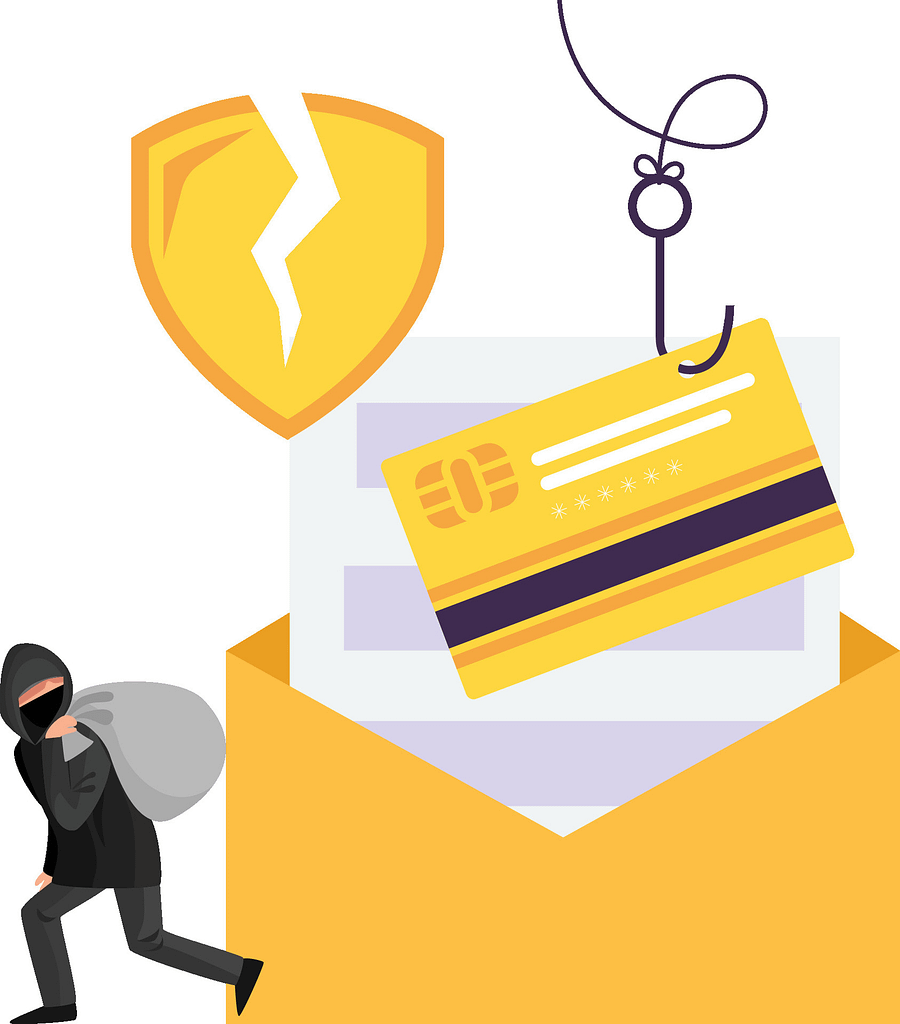
Identity is the new battleground.
Common patterns now include:
- Mailbox takeover → forwarding rules created → invoices redirected
- Cloud account compromise → mass file deletion via sync
- OAuth app abuse → persistence without passwords
Credential abuse continues to rank as a leading initial access vector in breach reporting. The FBI’s IC3 data shows the scale of phishing and cyber-enabled fraud complaints — especially business email compromise.
What Leadership Often Misses
Identity compromise isn’t always loud.
Sometimes the only signal is:
- A new mailbox rule
- An OAuth consent grant
- “Impossible travel” login
And by the time it’s discovered, data may already be gone.
Prevention That Reduces Blast Radius
- Phishing-resistant MFA for admins
- Conditional access (device compliance, geo rules)
- Removal of standing admin rights (JIT / PIM)
- Continuous monitoring for anomalies
- Immutable backups protected from deletion
Recovery design must assume admin credentials can be compromised.
Because eventually, one will be.
4. Unpatched Vulnerabilities & Exposed Services
This one feels avoidable — because it is.
A forgotten VPN appliance.
An exposed RDP port.
An internet-facing web app left “temporarily” open.
Vulnerability exploitation continues to rise as an initial access vector. Delays in remediation are a consistent theme in breach reporting.
What Mature Organizations Do Differently
- External attack surface management (know what’s exposed)
- Patch SLAs tied to risk (internet-facing ≠ optional)
- Web application firewalls and geo restrictions
- RDP gated behind MFA and jump hosts
⚠️ Data loss often starts at the edge.

5. Third-Party & Vendor Incidents
In 2026, your data doesn’t only live inside your building.
It lives in:
- SaaS vendors
- Accounting systems
- Payroll platforms
- CRM tools
- EDI integrations
Third-party involvement in breaches has grown significantly in recent reporting.
What This Means for You
Even if your internal controls are strong:
- Vendor breach → your data exposed
- Shared credentials → cascading compromise
- Integration tokens → silent access
What Intentional Risk Management Looks Like
- Vendor access reviews
- Separate partner accounts (no shared logins)
- Contractual MFA requirements
- Clear breach notification terms
- Backup/export strategies for SaaS data
You don’t control their environment.
But you can control your recoverability.
6. Hardware Failure & Silent Corruption
Not every data loss story is cyber.
RAID failure isn’t backup.
Rebuilds fail.
Bit-rot surfaces during restore.
Database logs weren’t captured correctly.
NIST categorizes hardware failure alongside ransomware and intentional destruction as catastrophic drivers — and stresses planning and testing backups accordingly.
What Mature Environments Include
- Redundant systems with monitoring
- SMART alerts and predictive failure detection
- Immutable offsite backups
- Checksum verification
- File-level and application-level restore tests
Backups that haven’t been tested are assumptions.
7. Poor Recovery Design (The “We Had Backups” Trap)

This is the most underestimated cause of data loss.
Backups exist.
But:
- RPO was never defined
- RTO was never discussed
- No one practiced restoring
- Recovery depends on one person
And when that person is unavailable — chaos follows.
Minimum Viable Resilience in 2026
- Defined RPO (how much data you can lose)
- Defined RTO (how long you can be down)
- 3-2-1 backups with immutable copy
- Separate backup credentials
- Quarterly restore tests
- Annual disaster recovery simulation
- Monitoring for mass deletion events
Backups are not a strategy. Tested recovery is.
8. Business Email Compromise (Financial + Data Impact)
Business email compromise doesn’t always destroy data — but it often exposes or exfiltrates it.
IC3 reporting consistently shows BEC among the highest-impact fraud categories by dollar loss.
Patterns include:
- Unauthorized mailbox access
- Invoice redirection
- Document exfiltration
- Late discovery
Prevention Layers
- DMARC/DKIM/SPF enforcement
- Mailbox auditing
- Alerts on rule creation
- Out-of-band payment verification
- Conditional access and anomaly detection
Financial loss often follows identity compromise.

The 3 Layers That Prevent Most Data Loss
In 2026, mature MSPs frame prevention in three layers:
1. Reduce Likelihood
Identity controls, patching, segmentation, training
2. Reduce Blast Radius
Least privilege, separation of duties, immutable backups
3. Reduce Downtime
Tested restore, defined RTO/RPO, documented runbooks
This approach aligns directly with patterns highlighted in current industry reporting — credentials, vulnerabilities, third-party exposure — and with NIST/CISA emphasis on backup strategy and testing.
Frequently Asked Questions
1. What is the most common cause of data loss in 2026?
Human error and credential compromise remain dominant contributors. However, ransomware data loss and third-party incidents are increasingly significant drivers.
2. Isn’t Microsoft 365 version history enough?
No. Versioning and recycle bins are service features. They do not replace independent backup systems aligned to the 3-2-1 backup rule.
3. What’s the difference between RPO and RTO?
RPO (Recovery Point Objective) defines how much data you can afford to lose.
RTO (Recovery Time Objective) defines how long you can afford to be down.
4. Why are immutable backups important?
Because attackers now attempt to delete or encrypt backups during ransomware events. Immutability prevents modification or deletion within a defined retention window.
5. How often should backups be tested?
At minimum, quarterly file-level restores and annual full disaster recovery simulations.
Most common causes of data loss aren’t surprises.
They’re patterns.
The difference between disruption and resilience isn’t whether something happens.
It’s whether recoverability was intentionally designed before it did.
If you’re unsure where recoverability actually lives in your environment — or whether identity compromise would take your backups with it — a quick discussion with a local managed IT service is a good start.
Clarity comes before confidence.
