
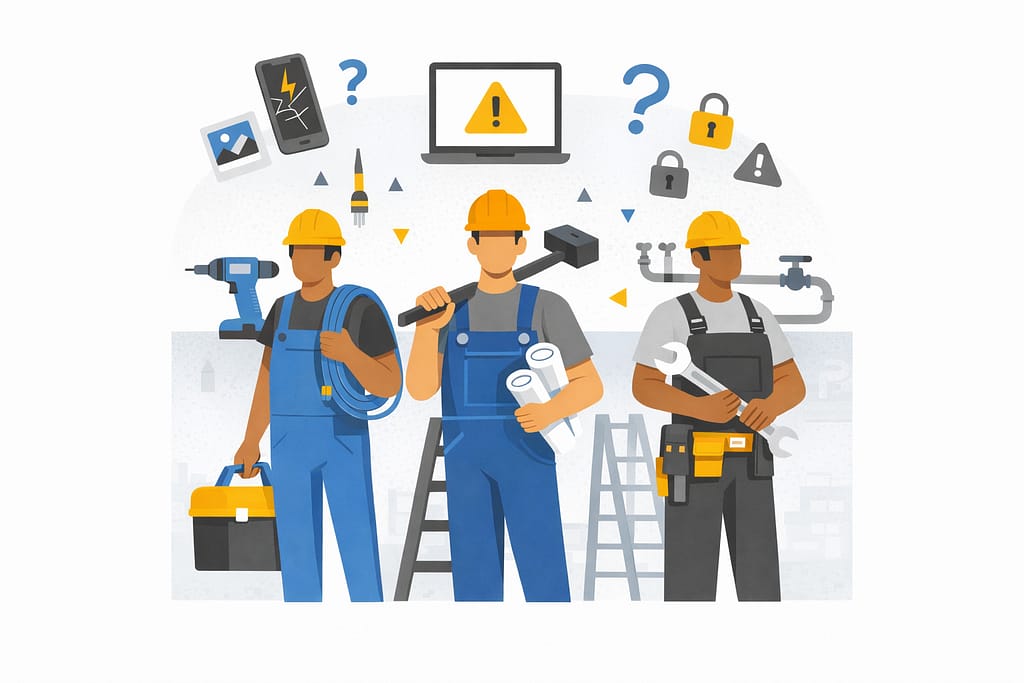
For skilled trade businesses, most job sites feel like controlled chaos that somehow works. Crews are moving, phones are buzzing, photos are getting sent, and jobs keep progressing. From the outside, nothing looks “broken.” Technology is doing its job—right.
Until one day, it doesn’t.
A missing photo delays billing. A lost device raises questions. A login issue stalls a crew mid‑task. These moments don’t usually come from dramatic failures or cyberattacks. More often, they come from everyday job‑site technology issues—that’s where IT risks for contractors quietly build over time, until they interrupt the work itself.
Table of Contents
Where Job-Site Technology Risks Actually Show Up
The biggest risks aren’t hidden in systems — they’re visible in everyday workflows.
Industry research shows construction teams can lose up to 35% of their time to avoidable inefficiencies when systems and information aren’t aligned. In practice, that lost time doesn’t just affect productivity — it creates gaps in visibility, accountability, and consistency.
At the same time, studies show field service technicians can spend 1–2 hours per day navigating inefficiencies caused by fragmented mobile tools. When critical work happens across disconnected apps and devices, it becomes harder to track who did what, when, and using which information.
When technology isn’t designed around real‑world workflows, those inefficiencies quietly become risk — and they show up first in the tools crews use every day.
1. Phones and Tablets in the Field

Phones and tablets are essential on job sites. But they also create one of the most overlooked risks.
Devices get:
- Lost, replaced, or upgraded
- Shared between team members
- Used for both work and personal tasks
Photos, emails, job notes, and apps all live in the same place—with no clear separation.
There’s rarely a clean line between “work data” and “everything else.”
Over time, that creates uncertainty around where critical information actually lives.
2. Shared Access and Informal Workarounds
When work needs to get done, crews find a way.
That often looks like:
- Shared logins
- Apps left signed in
- Passwords reused across tools
Not because it’s ideal—but because stopping work isn’t an option.
These workarounds solve immediate problems. But they also remove visibility and accountability.
No one is fully sure:
- Who accessed what
- When something changed
- Or how to trace issues when they arise

3. Data Moving Faster Than Visibility
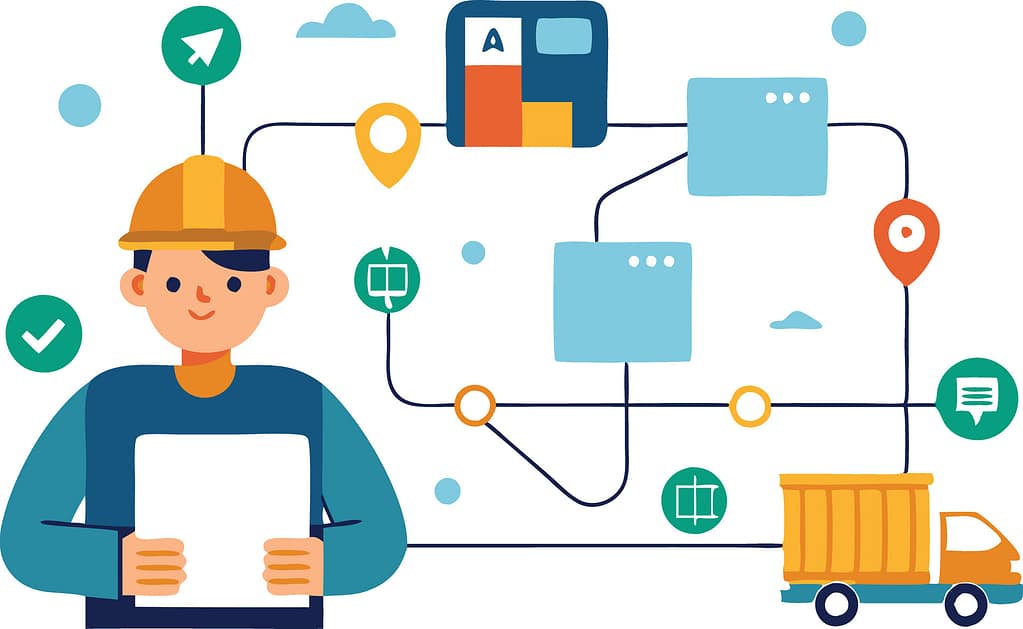
Job-site data moves constantly:
- Photos from the field
- Notes from trucks
- Emails to the office
- Files between systems
But visibility doesn’t always keep up.
There’s often no single place to answer:
- Where is this data stored?
- Who has access to it?
- Is it complete or missing pieces?
This is where job-site technology risks become operational—not technical.
What “Intentional” Job-Site Technology Actually Looks Like
The goal isn’t to slow crews down.
It’s to make the right way of working the easiest way.
That usually comes down to three things:
1. Clear Ownership of Devices and Access
Every device, account, and workflow has defined ownership—without adding friction for the field.
2. Guardrails That Work Automatically
Instead of relying on people to remember processes, systems handle consistency in the background.
3. Visibility That Matches Real Workflows
Leaders can see what’s happening across job sites—without needing crews to change how they work.
Good systems adapt to the job site.
Crews shouldn’t have to adapt to IT.
If you’re like most contractors, the question isn’t whether technology is in place—it’s whether it’s actually supporting how work gets done day to day.
That answer usually reveals where IT risks for contractors quietly build over time—and why managed IT services in Omaha are increasingly focused on aligning systems to real‑world field workflows, not just maintaining tools.
If it’s unclear, that’s a good place to start.

Frequently Asked Questions
1. What are the most common IT risks for contractors?
For most contractors, the biggest IT risks aren’t cyberattacks — they’re everyday issues that quietly disrupt operations. That includes lost or replaced devices, shared logins, unclear ownership of job‑site data, and inconsistent workflows across crews. Over time, these gaps affect billing, scheduling, and accountability.
2. Why are job‑site technology risks so easy to miss?
Because day‑to‑day work still gets done. Photos are sent, jobs move forward, and crews adapt. The risk only becomes visible when something slows down or goes missing — a delayed invoice, a dispute over documentation, or a stalled crew waiting on access. By then, the issue has usually been building for a while.
3. How do phones and tablets used by crews create risk?
Phones and tablets are essential on job sites, but they often serve multiple roles at once. Devices are shared, upgraded, or replaced. Work and personal use overlap. Critical photos, emails, and job notes live on individual devices instead of in systems with clear visibility. That makes it harder to track information, verify work, or respond quickly when questions arise.
4. Are field service IT issues different from office IT issues?
Yes. Office IT is typically built around fixed locations and predictable access. Field service environments are mobile, time‑sensitive, and shared. Crews need fast access without friction, which means traditional office‑style controls don’t always translate well. The risk comes from forcing field teams to work around systems that don’t match how the job actually runs.
5. What does better job‑site technology management look like?
It starts with clarity — knowing where job‑site data lives, who owns it, and how it flows between the field and the office. Strong setups support how crews already work, instead of slowing them down. The goal isn’t adding more tools; it’s creating visibility, consistency, and accountability across jobs.