Professional Services – Trades & Field Services

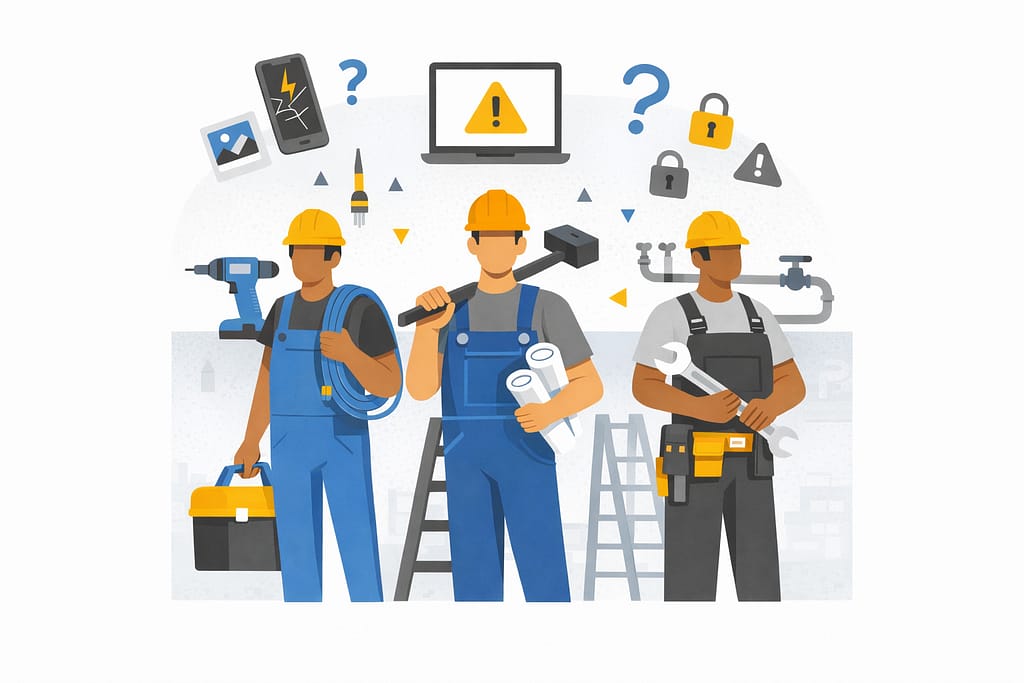
Alt text: A group of construction workers with tools and equipment, surrounded by digital warning icons and devices, illustrating how IT risks for contractors can impact everyday job-site operations and decision-making.

The Overlooked IT Risks for Contractors That Quietly Disrupt Job Sites

For skilled trade businesses, most job sites feel like controlled chaos that somehow works. Crews are moving, phones are buzzing, photos are getting sent, and jobs keep progressing. From the outside, nothing looks “broken.” Technology is doing its job—right.

Until one day, it doesn’t.

A missing photo delays billing. A lost device raises questions. A login issue stalls a crew mid‑task. These moments don’t usually come from dramatic failures or cyberattacks. More often, they come from everyday job‑site technology issues—that’s where IT risks for contractors quietly build over time, until they interrupt the work itself.

Where Job-Site Technology Risks Actually Show Up

The biggest risks aren’t hidden in systems — they’re visible in everyday workflows.

Industry research shows construction teams can lose up to 35% of their time to avoidable inefficiencies when systems and information aren’t aligned. In practice, that lost time doesn’t just affect productivity — it creates gaps in visibility, accountability, and consistency.

At the same time, studies show field service technicians can spend 1–2 hours per day navigating inefficiencies caused by fragmented mobile tools. When critical work happens across disconnected apps and devices, it becomes harder to track who did what, when, and using which information.

When technology isn’t designed around real‑world workflows, those inefficiencies quietly become risk — and they show up first in the tools crews use every day.

1. Phones and Tablets in the Field
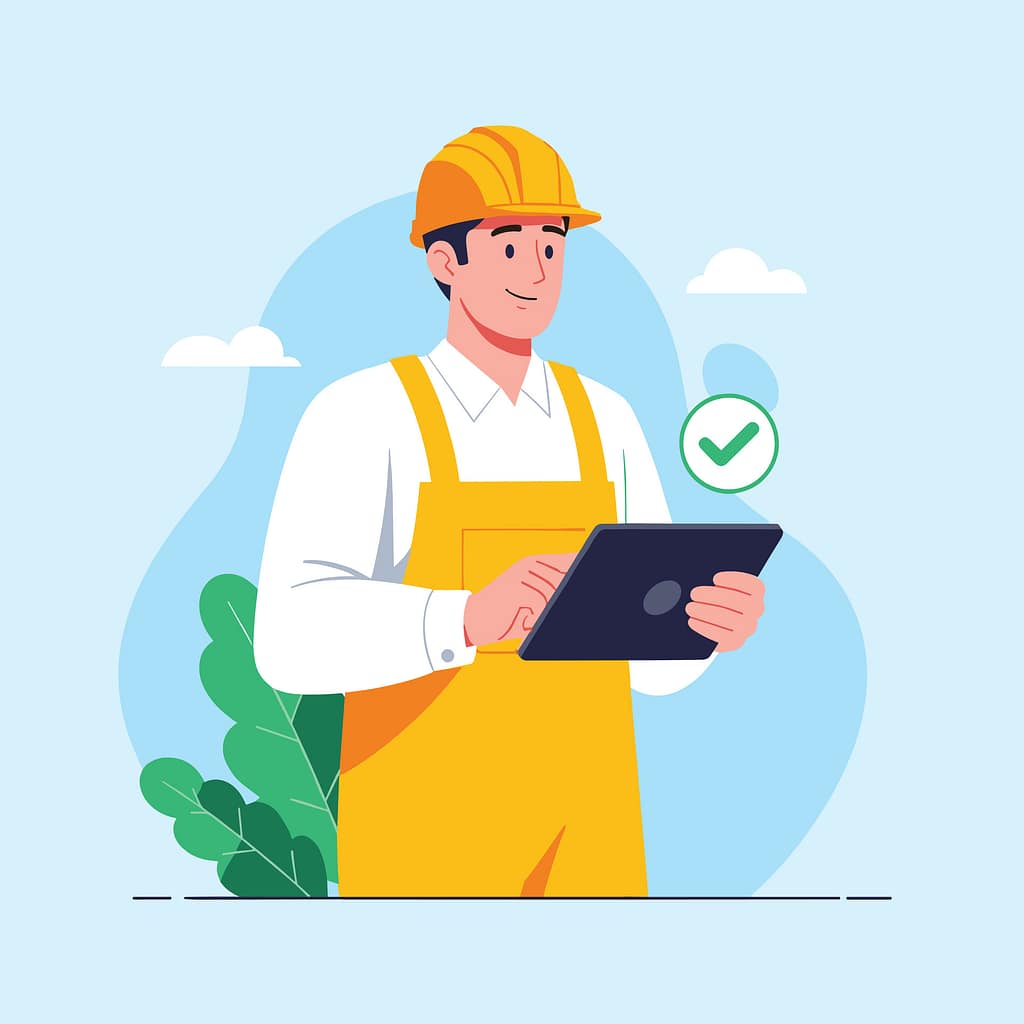
A construction worker using a tablet on a job site, illustrating how IT risks for contractors often stem from mobile device use and mixed work-personal data.

Phones and tablets are essential on job sites. But they also create one of the most overlooked risks.

Devices get:

  • Lost, replaced, or upgraded
  • Shared between team members
  • Used for both work and personal tasks

Photos, emails, job notes, and apps all live in the same place—with no clear separation.

There’s rarely a clean line between “work data” and “everything else.”

Over time, that creates uncertainty around where critical information actually lives.

2. Shared Access and Informal Workarounds

When work needs to get done, crews find a way.

That often looks like:

  • Shared logins
  • Apps left signed in
  • Passwords reused across tools

Not because it’s ideal—but because stopping work isn’t an option.

These workarounds solve immediate problems. But they also remove visibility and accountability.

No one is fully sure:

  • Who accessed what
  • When something changed
  • Or how to trace issues when they arise
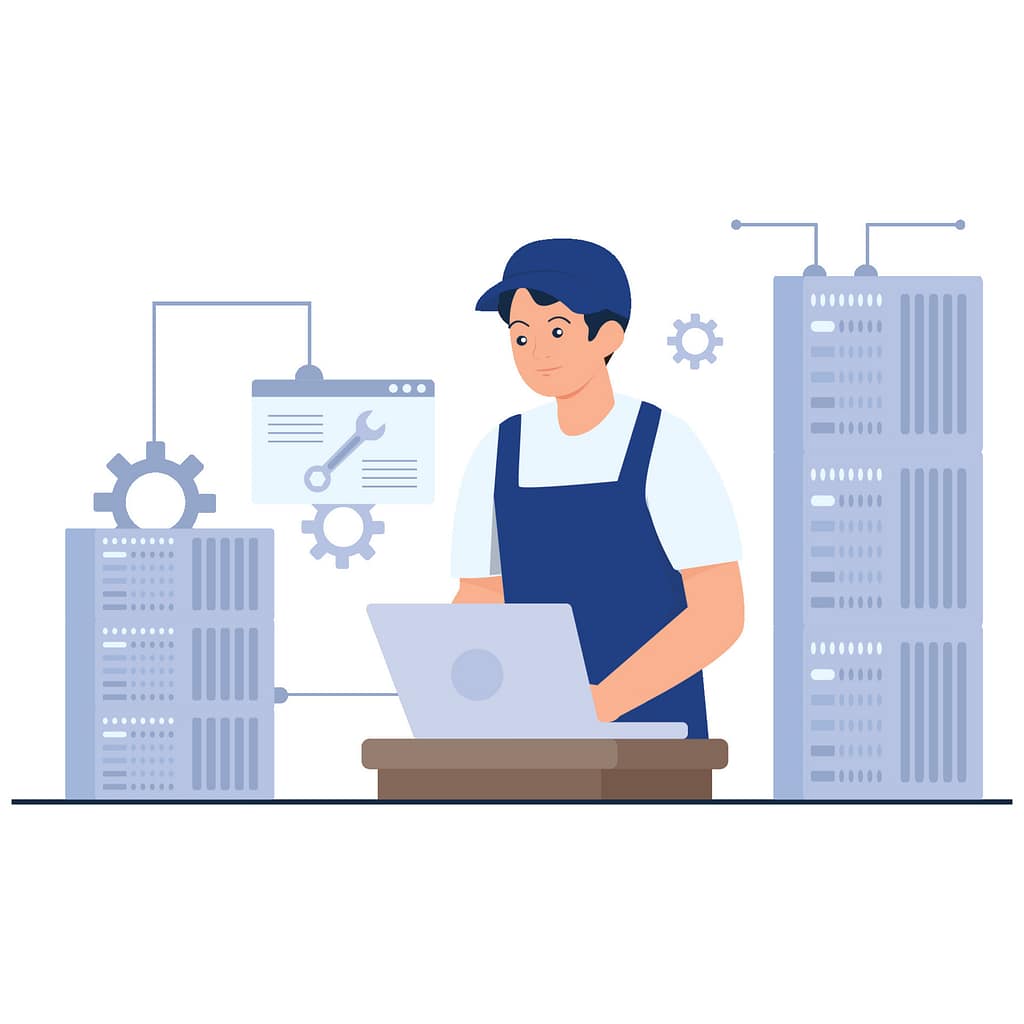
A worker accessing shared systems and tools, representing how IT risks for contractors develop through shared logins and limited visibility on job sites.

3. Data Moving Faster Than Visibility
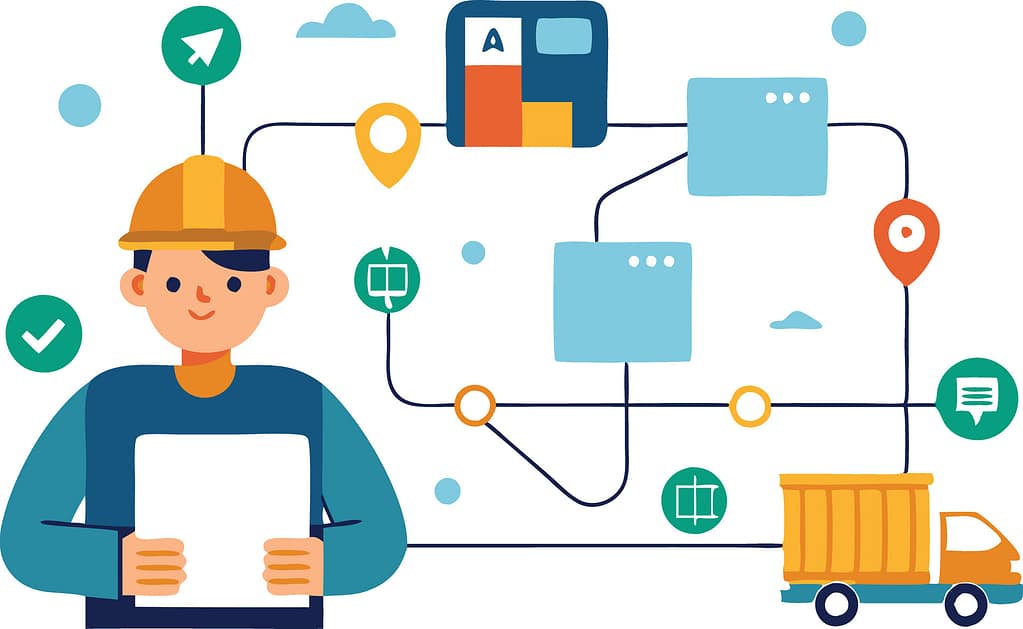
A job-site worker surrounded by connected systems and data flows, showing how IT risks for contractors arise when information moves faster than visibility.

Job-site data moves constantly:

  • Photos from the field
  • Notes from trucks
  • Emails to the office
  • Files between systems

But visibility doesn’t always keep up.

There’s often no single place to answer:

  • Where is this data stored?
  • Who has access to it?
  • Is it complete or missing pieces?

This is where job-site technology risks become operational—not technical.

What “Intentional” Job-Site Technology Actually Looks Like
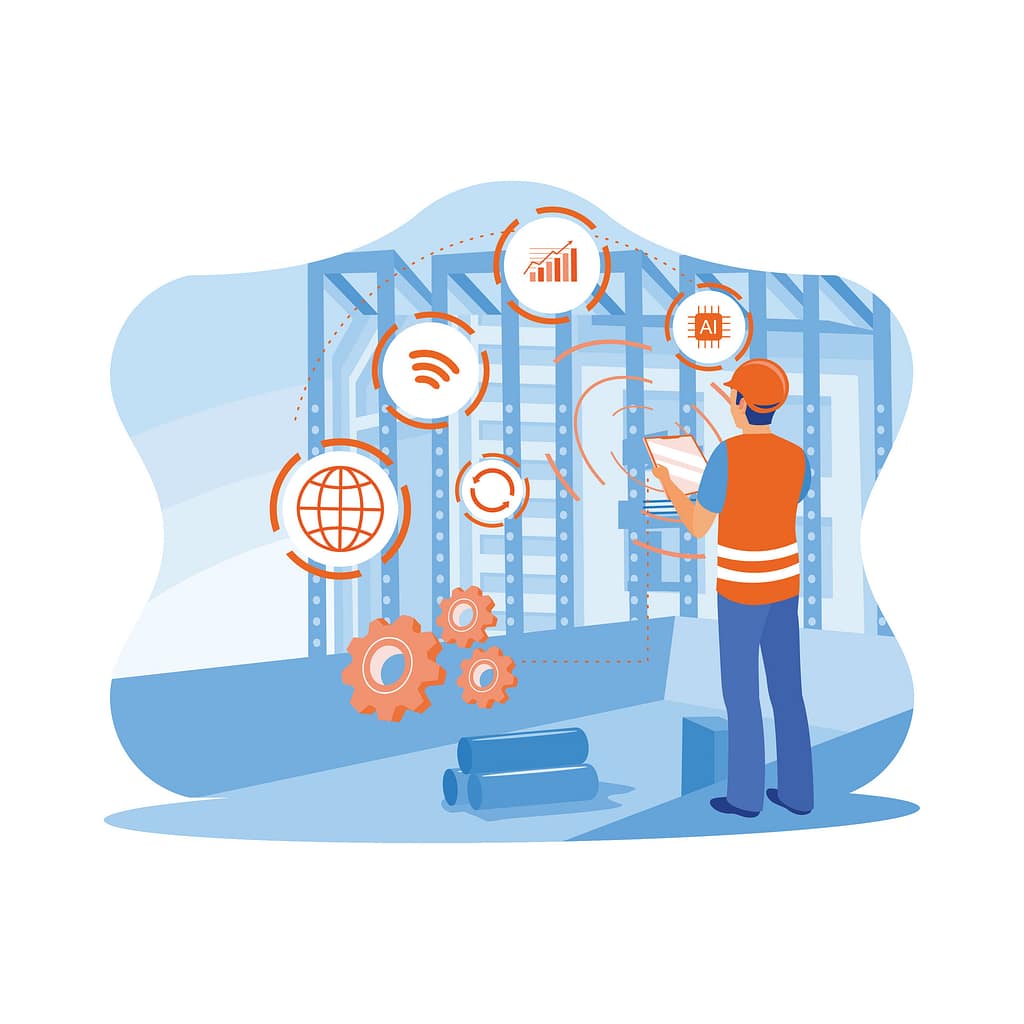
A worker managing structured digital systems on a job site, demonstrating how reducing IT risks for contractors requires organized and intentional technology use.

The goal isn’t to slow crews down.

It’s to make the right way of working the easiest way.

That usually comes down to three things:

1. Clear Ownership of Devices and Access

Every device, account, and workflow has defined ownership—without adding friction for the field.

2. Guardrails That Work Automatically

Instead of relying on people to remember processes, systems handle consistency in the background.

3. Visibility That Matches Real Workflows

Leaders can see what’s happening across job sites—without needing crews to change how they work.

Good systems adapt to the job site.

Crews shouldn’t have to adapt to IT.


If you’re like most contractors, the question isn’t whether technology is in place—it’s whether it’s actually supporting how work gets done day to day.

That answer usually reveals where IT risks for contractors quietly build over time—and why managed IT services in Omaha are increasingly focused on aligning systems to real‑world field workflows, not just maintaining tools.

If it’s unclear, that’s a good place to start.

Professional man using a tablet in an office setting with “Get in touch with our team” and InfiNet branding.

Frequently Asked Questions

1. What are the most common IT risks for contractors?

For most contractors, the biggest IT risks aren’t cyberattacks — they’re everyday issues that quietly disrupt operations. That includes lost or replaced devices, shared logins, unclear ownership of job‑site data, and inconsistent workflows across crews. Over time, these gaps affect billing, scheduling, and accountability.

2. Why are job‑site technology risks so easy to miss?

Because day‑to‑day work still gets done. Photos are sent, jobs move forward, and crews adapt. The risk only becomes visible when something slows down or goes missing — a delayed invoice, a dispute over documentation, or a stalled crew waiting on access. By then, the issue has usually been building for a while.

3. How do phones and tablets used by crews create risk?

Phones and tablets are essential on job sites, but they often serve multiple roles at once. Devices are shared, upgraded, or replaced. Work and personal use overlap. Critical photos, emails, and job notes live on individual devices instead of in systems with clear visibility. That makes it harder to track information, verify work, or respond quickly when questions arise.

4. Are field service IT issues different from office IT issues?

Yes. Office IT is typically built around fixed locations and predictable access. Field service environments are mobile, time‑sensitive, and shared. Crews need fast access without friction, which means traditional office‑style controls don’t always translate well. The risk comes from forcing field teams to work around systems that don’t match how the job actually runs.

5. What does better job‑site technology management look like?

It starts with clarity — knowing where job‑site data lives, who owns it, and how it flows between the field and the office. Strong setups support how crews already work, instead of slowing them down. The goal isn’t adding more tools; it’s creating visibility, consistency, and accountability across jobs.

The Overlooked IT Risks for Contractors That Quietly Disrupt Job Sites Read More »
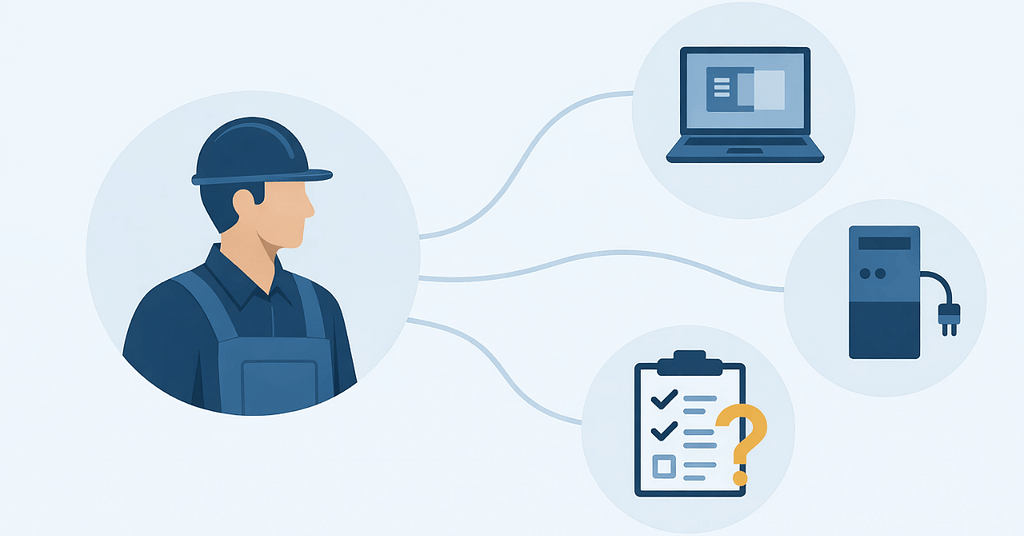
Semi-flat illustration of a skilled trades professional linked to computers, equipment, and checklists, highlighting IT challenges in skilled work related to system coordination and stability.

IT Challenges in Skilled Trades: Stability Isn’t Simple

Let’s face it — most field service days don’t start at a desk.

They start with trucks pulling out early, crews checking schedules on their phones, dispatch juggling updates, and someone in the office trusting that everything will stay in sync.

And most days, it does… until it doesn’t.

…a work order doesn’t update.

…a tablet won’t connect.

…photos don’t upload until the end of the day.

…someone calls in because “the system’s acting weird again.”

None of this feels catastrophic. It just feels — familiar.

That’s the reality behind many IT challenges in skilled trades. The systems aren’t completely broken — they’re just held together by workarounds, manual checks, and crossed fingers.

Stability in this kind of environment doesn’t happen by accident. It takes more work because the technology has to support people who are constantly moving, adapting, and working outside a controlled office setting.

Recent workforce research highlights that frontline and mobile teams are more productive and less stressed when they have reliable technology and training — underscoring the importance of stable systems that work how these crews need them to.

Why Field Service IT Breaks Differently Than Office-Based IT

At first glance, IT problems in skilled trade companies look like everyday tech issues. Devices glitch. Apps lag. Connections drop.

But the underlying issue is structural.

Most IT environments are designed around assumptions:

  • People work from fixed locations
  • Devices stay on desks
  • Connectivity is consistent
  • Users follow predictable routines

Field service work breaks every one of those assumptions.

Your teams move constantly. They rely on mobile devices. They work in places with uneven connectivity. And when something doesn’t work, there’s no IT desk down the hall.

That’s where IT challenges for mobile field teams start to compound — not because the technology is bad, but because it’s mismatched to the way the business operates.

The Hidden Cost of “It Usually Works”

Most field service leaders don’t wake up worried about IT.

What they worry about is:

  • Jobs taking longer than expected
  • Crews calling back to the office for help
  • Information not lining up between field and dispatch
  • Admin staff filling gaps manually

Here’s what often gets missed: those small issues aren’t isolated. They stack.

Every workaround becomes part of the workflow. Research shows that frequent technology disruptions — even those that don’t look like full outages — can translate into millions of dollars in lost productivity for mid- to large-sized organizations each year.

Every manual fix adds friction. And over time, your team stops expecting systems to work reliably — they just expect to compensate.

If your team needs workarounds to get through the day, IT isn’t stable — it’s tolerated.

This is one of the most underestimated IT challenges in skilled trades: the slow normalization of inefficiency.

Why Most IT Support Models Fall Short for Skilled Trade Teams

On paper, many skilled trade companies already have IT support.

They can call when something breaks. They can submit tickets. Someone eventually helps.

But reactive support alone doesn’t create stability — especially for mobile operations.

A calm, tech‑forward illustration representing IT challenges in skilled trades, showing a mobile field technician struggling with unreliable connectivity, a central operations dashboard highlighting gaps in stability, and a support desk handling reactive tickets. Supplemental system icons depict inconsistent device standards, unrealistic connectivity assumptions, misaligned workflows, and the lack of predictable, preventative IT processes.

Traditional support models tend to focus on:

  • Fixing individual issues
  • Closing tickets
  • Restoring service

What they don’t always address is:

  • Whether devices are standardized
  • Whether connectivity assumptions are realistic
  • Whether systems are aligned with real workflows
  • Whether problems are predictable — and preventable

That’s why skilled trade IT support often feels responsive but not reassuring.

Support that only reacts can’t create consistency for crews in skilled trades.

Where Instability Actually Shows Up Day to Day

In skilled trades, IT instability rarely announces itself as a crisis.

It shows up in smaller, operational ways:

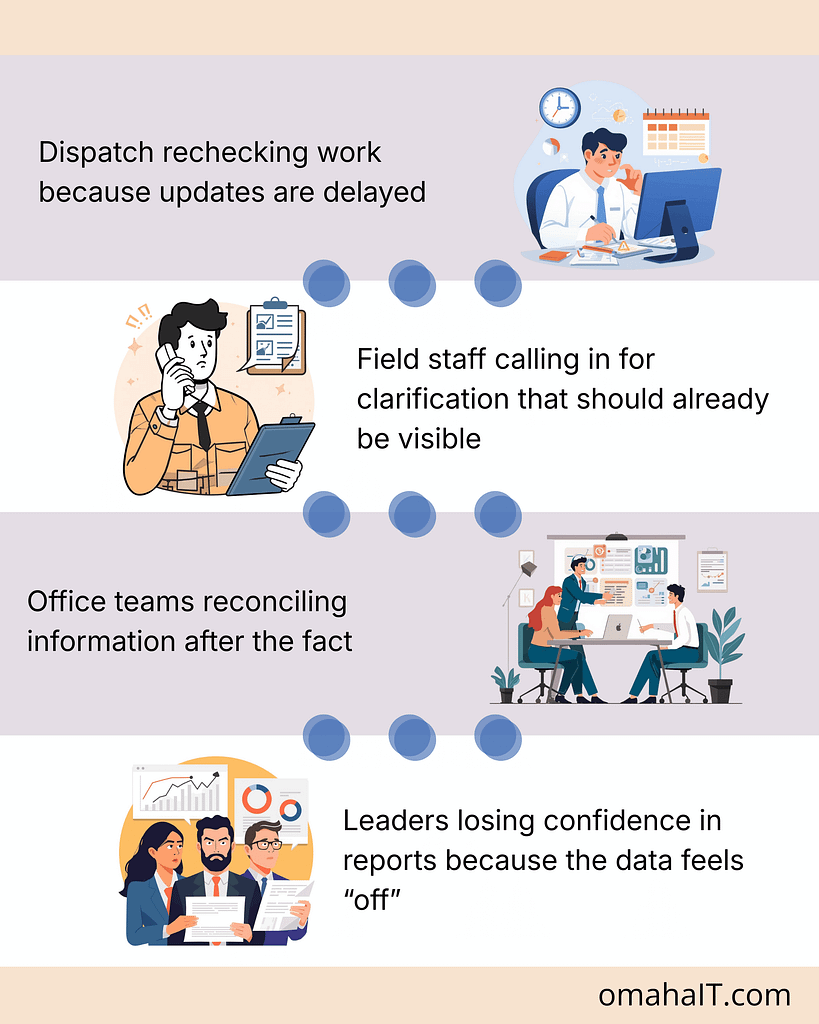
Illustration showing day-to-day IT challenges in skilled trades, including delayed dispatch updates, field staff calling for clarification, office teams reconciling information after the fact, and leaders questioning data accuracy.

None of these are dramatic. But together, they erode trust in systems — and eventually, in decisions made from them.

What Stable IT Actually Looks Like in a Skilled Trade Business

This is where the conversation usually shifts.

Stable IT isn’t about having the newest tools or the most software. It’s about predictability.

In a stable skilled trade environment:

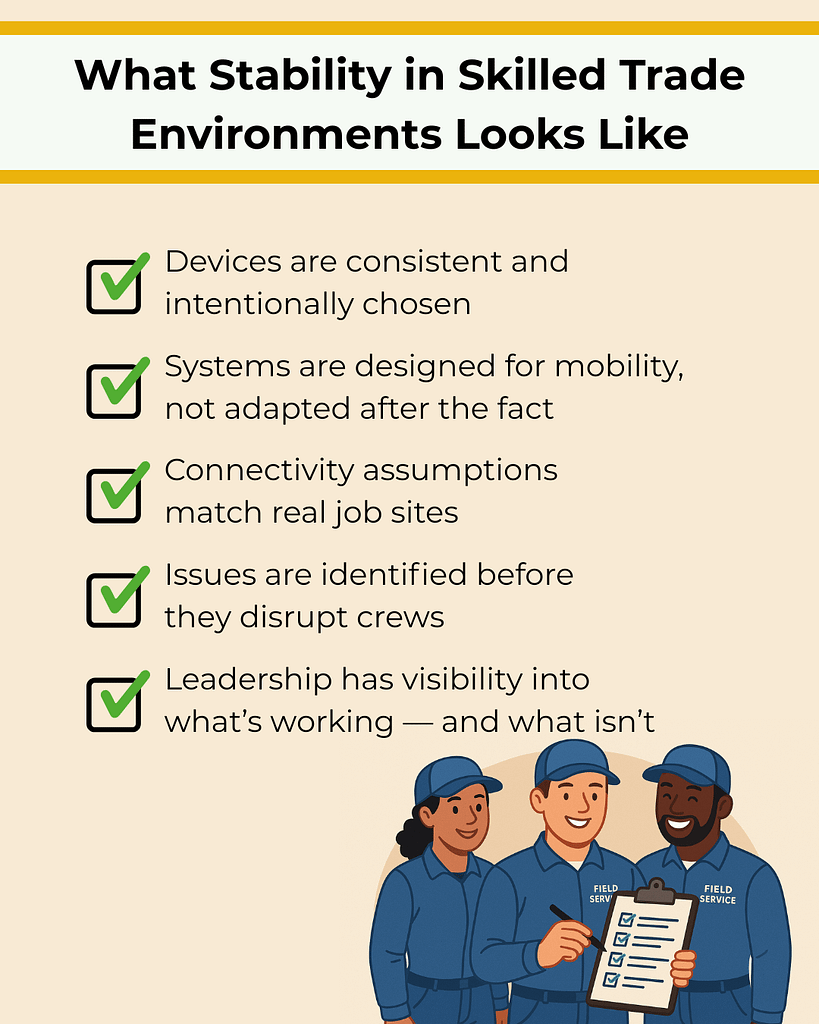
Illustration showing a stable, well-managed work environment addressing IT challenges in skilled trades, with consistent devices, mobile-ready systems, reliable connectivity, proactive issue detection, and clear leadership visibility supporting field service crews.

Stability shows up as fewer interruptions, clearer handoffs, and teams spending less time compensating for technology.

Stable IT doesn’t draw attention to itself. It just lets work move.

Stability Is a Leadership Decision, Not a Technology Upgrade

One of the biggest misconceptions is that IT stability comes from adding or replacing tools.

In reality, it comes from:

  • Planning instead of reacting
  • Understanding how work actually flows
  • Making intentional decisions about systems and standards
  • Treating IT as operational infrastructure, not just support

This is where leadership involvement matters. Not to choose software — but to define what reliability should look like for the business.

How to Reduce IT Friction Without Disrupting Operations

Improving stability doesn’t require ripping everything out or slowing teams down.

It starts with clarity:

  • Where does instability show up most often?
  • Which systems crews rely on daily?
  • Where are people compensating manually?
  • What assumptions no longer match reality?

From there, progress becomes intentional rather than reactive.

This approach is how skilled trade organizations move from constant fixing to quiet reliability — without adding chaos in the process.

Start With Clarity, Not Another Tool

If IT feels unreliable, the first step isn’t adding more technology.

It’s understanding where instability actually lives — and why.

A clear view of your systems, workflows, and assumptions makes it easier to decide what to fix, what to standardize, and what to leave alone.

That’s how stability starts.

Flat-style illustration of a seated male professional using a digital tablet in an IT operations center. The background shows multiple system monitors and other staff at work. Branding includes the message “Get in touch with our team” and the InfiNet logo.

Frequently Asked Questions

1. What are the most common IT challenges in skilled trades?

The most common issues involve device reliability, inconsistent connectivity, data syncing between field and office, and systems that weren’t designed for mobile workflows.

2. Why does IT feel less reliable for mobile crews?

Because many IT environments are built around office-based assumptions. When teams work across trucks, job sites, and remote locations, those assumptions break down.

3. How is skilled trade IT support different from office IT?

Skilled trade IT support must account for mobility, inconsistent environments, and workflow timing — not just devices and software.

4. What causes mobile workforce IT issues to persist?

Lack of standardization, reactive support models, and limited visibility into how systems perform in real-world conditions.

5. How can skilled trade companies improve IT stability?

By aligning IT decisions with actual workflows, standardizing devices and systems, and focusing on prevention and visibility rather than just response.

IT Challenges in Skilled Trades: Stability Isn’t Simple Read More »

Talk to our Team