

How Admin Rights Shape Security More Than Most Tools
Admin rights are one of the most common — and most overlooked — security risks in small and mid-sized businesses. When too many users, vendors, or systems have elevated access, a single mistake or stolen credential can give attackers full control in minutes.
Most ransomware, data leaks, and business email compromise incidents don’t escalate because security tools failed. They escalate because someone had admin-level access they didn’t actually need.
Admin rights act like master keys — and once they’re abused or stolen, containment becomes exponentially harder.
Table of Contents
How Admin Rights Affect Security in Everyday Business Operations
Admin rights don’t create risk by default—but they define the blast radius when routine issues occur.
- A routine software install led to credential theft. Because the user had admin rights, attackers created new admins and deleted the original—turning a single endpoint issue into full environment lockout (CQURE Academy).
- In multiple ransomware cases, attackers didn’t exploit systems—they logged in using stolen admin credentials, disabled protections, and encrypted environments. The damage followed access scope, not malware sophistication (QNAP).
- When compromised users had local admin rights, attackers were able to extract credentials and move laterally. The same incidents would have stayed isolated without elevated access (Devicie).
- A ransomware attack against the State of Nevada escalated after malware installed during a routine admin tool search enabled credential harvesting, backup deletion, and widespread encryption (Keeper Security).
Across these cases, the pattern is consistent: admin rights act as a multiplier. They don’t cause incidents—but they often decide whether an issue is contained or business‑wide.
Intentional access design reduces disruption, recovery time, and operational friction without slowing work.

Why These Incidents Escalate
The examples above follow a few predictable patterns. Once admin rights are involved, everyday security issues stop behaving like isolated events and start scaling across systems. The sections below break down how that escalation happens in practice.
Malware Runs with Your Permissions

When a user with local admin rights opens a malicious file, the malware inherits those same privileges.
That allows it to disable or tamper with security controls, establish persistence on the device, and move laterally to other systems. At that point, containment becomes harder—and disruption spreads beyond a single machine.
The issue isn’t malware sophistication. It’s permission inheritance.
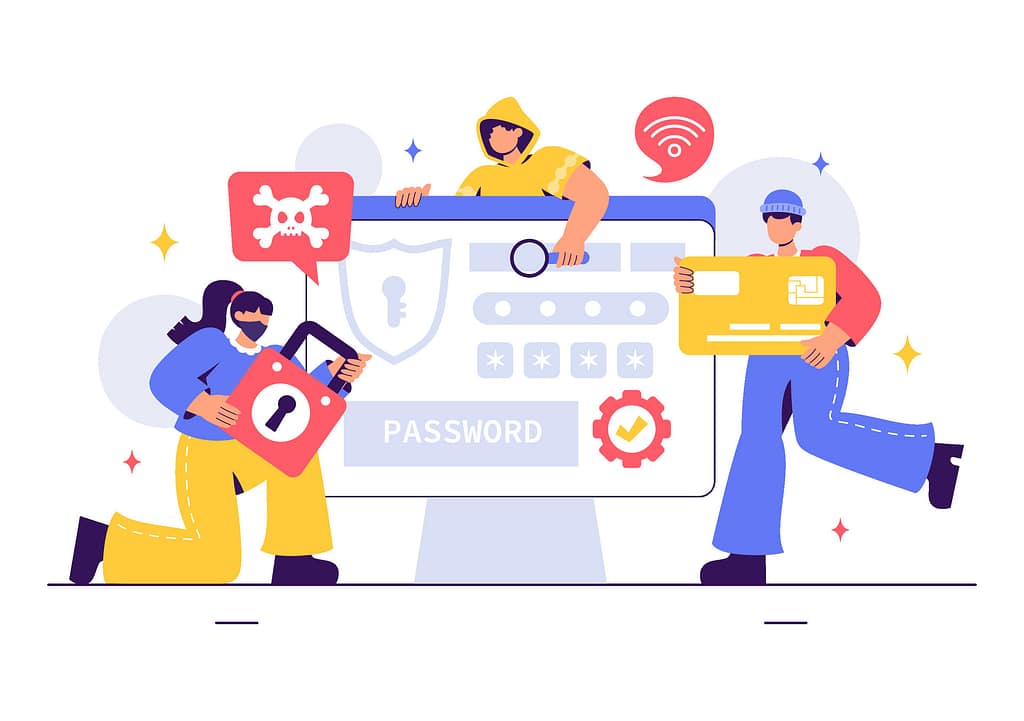
Stolen Passwords Become Catastrophic
Credential theft is one of the most common entry points today.
When stolen credentials are tied to admin access, attackers don’t need to bypass defenses. They log in, pivot across systems, and escalate into cloud platforms quickly.
This is why many modern breaches resemble routine activity—until the impact becomes visible.
Misconfigurations Multiply Quietly

Admin access isn’t always abused maliciously.
Well‑meaning staff may suppress security prompts to keep work moving, install unapproved tools, or change settings that conflict with policy. Each small adjustment expands exposure.
Attackers are simply faster at discovering those gaps than internal teams are at noticing them.
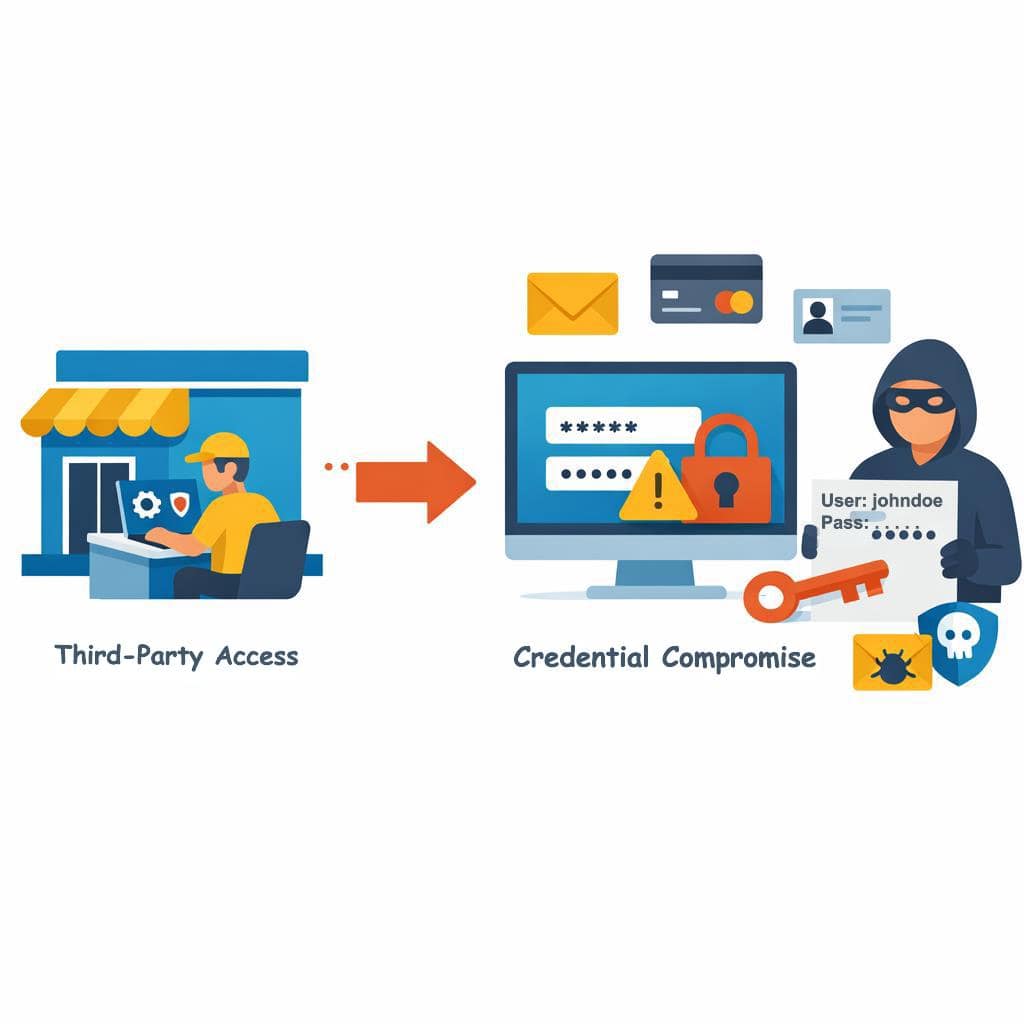
Third‑Party Access Becomes an Open Door
Vendors and contractors are often granted standing admin access “just in case.”
If those credentials are compromised—or reused elsewhere—your environment absorbs the risk. Permanent access and shared credentials make accountability difficult and containment slower.
What begins as convenience quietly becomes dependency.
Compliance and Audit Risk Increases

For regulated businesses, excessive admin access makes it harder to demonstrate accountability, data minimization, and reasonable security controls.
Auditors don’t just evaluate tools. They examine who can do what—and whether that access is justified.
When access is unclear, risk is assumed.
The Safer Model: Access by Design, Not by Exception
The alternative isn’t restriction. It’s intentional design.
Modern access strategies follow a simple principle:
Give people only what they need, only when they need it, and only from trusted contexts.
That principle is reinforced through proven controls.
Least privilege access ensures users receive only the rights required for their role, limiting how far issues can spread if an account is compromised.
Role‑based access control (RBAC) ties permissions to roles rather than individuals, so access adjusts automatically as responsibilities change.
Just‑in‑time (JIT) access makes admin rights temporary, logged, and automatically removed—eliminating idle, standing privileges.
Just‑enough administration (JEA) scopes administrative access to specific actions instead of full control, reducing blast radius further.
Zero Trust guardrails evaluate identity, device health, location, and risk signals so valid credentials alone don’t guarantee access.
The Business Outcome
When access is designed intentionally, incidents are smaller and easier to contain. Audits and insurance reviews move faster. Downtime is reduced. Accountability is clear.
Admin rights stop being a liability—and become a controlled operational tool.
If it’s unclear who has admin access—or why—that’s usually the first signal it needs attention. Clarity around access is one of the fastest ways to reduce real risk without disrupting how the business operates.

Frequently Asked Questions
1. What is the biggest risk of admin rights?
They allow attackers to move quickly and disable protections once compromised.
2. Is least privilege realistic for small teams?
Yes. In fact, it’s often easier to manage in smaller environments.
3. How does Just-In-Time access work day to day?
Admins request elevation when needed, access is approved or automated, and rights expire automatically.
4. Do users notice these changes?
Most notice fewer issues, not more restrictions.
5. Does this align with Zero Trust?
Yes. Least privilege and JIT are core Zero Trust principles.
How Admin Rights Shape Security More Than Most Tools Read More »