Infinet

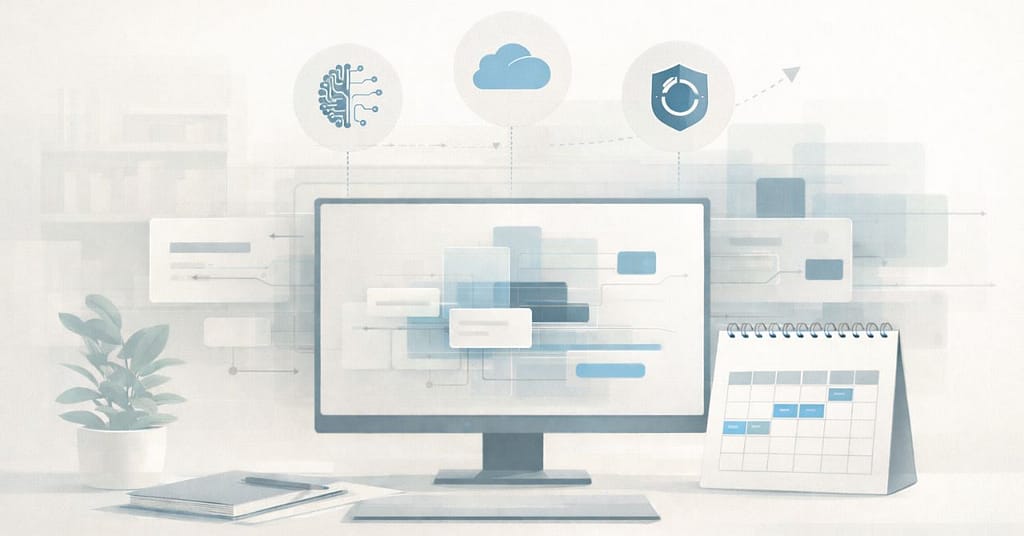
Flat illustration of a calm, modern IT planning workspace with a central monitor showing layered system blocks, a desk calendar indicating future timelines, and subtle icons representing AI, cloud services, and data backup. Muted colors and clean lines emphasize structure, readiness, and forward-looking planning.

2026 IT Planning for Omaha Businesses: What Matters Most

As 2025 winds down, many Omaha small and mid-sized businesses are already looking ahead to 2026 IT planning for Omaha businesses—especially when it comes to budgeting, infrastructure, and long-term technology decisions.

And they should.

The pace of change has shifted from “fast” to “blink and suddenly you’re navigating new cybersecurity requirements, rising costs, and more operational complexity than expected.”

Cyber Insurance Isn’t Optional — And Requirements Are Getting Tougher

Carriers aren’t playing anymore.

Expect 2026 policies to require:

  • Mandatory MFA across all apps
  • EDR (think SentinelOne, Huntress, etc.)
  • Encrypted backups
  • Documented incident response plans
  • Proof that you actually test your backups

If you can’t check these boxes, you’ll either pay more… or be denied.

Omaha SMBs should get ahead of this now while the requirements are still manageable.
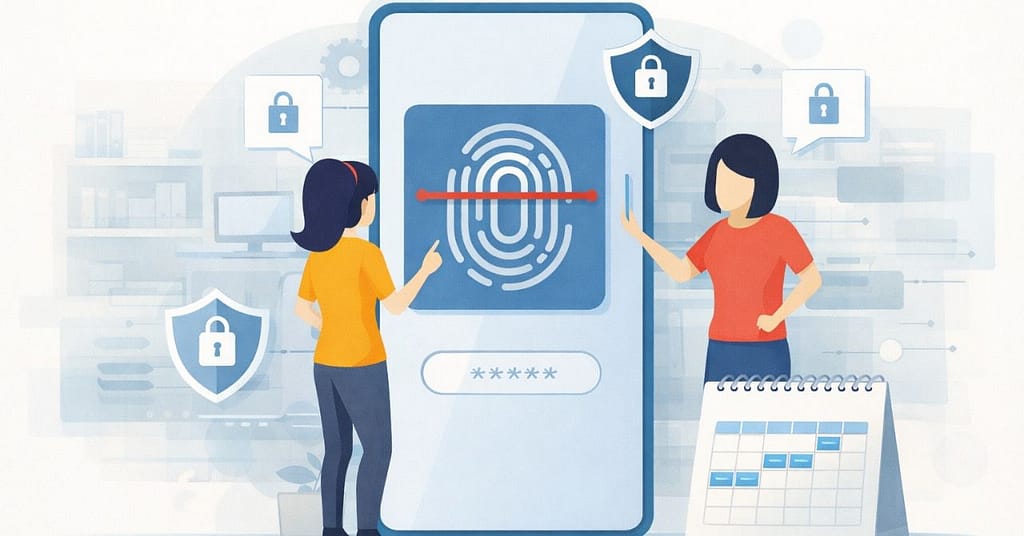
Illustration of multi-factor authentication on a mobile device, representing cybersecurity planning and identity security for 2026 IT planning for Omaha businesses.
Illustration representing written policies and documentation, supporting AI governance and planning in 2026 IT planning for Omaha businesses.

AI Tools Are Becoming Practical — But Also Risky

By 2026, AI won’t be “cool extra functionality.”
It’ll be baked into everything:

  • email triage
  • ticket deflection
  • quality control
  • meeting summarization
  • client communication
  • data analytics

But here’s the twist: the more AI you use, the more data governance and security of AI-connected apps matter.

Businesses should start setting policies NOW for:

  • what data AI tools can access
  • what tools are allowed
  • where proprietary files can (and cannot) go
  • how vendors handle retention

Your staff WILL adopt AI — with or without permission.
Better to make a plan before chaos unfolds.

Illustration representing written policies and documentation, supporting AI governance and planning in 2026 IT planning for Omaha businesses.
Cloud computing illustration representing Microsoft 365 services, storage, and increasing cloud costs.

Microsoft 365 & Cloud Costs Are Going Up

Not a scare tactic — a trend.

Across 2024–2025, Microsoft, Google, and most SaaS vendors introduced global price increases tied to:

  • added security tooling
  • increased storage
  • currency adjustments
  • bundled AI features

2026 will almost certainly continue that movement.

To prepare:

  • Audit who actually needs which license
  • Remove stale accounts
  • Adjust sharing/storage policies
  • Clean up unused services
  • Budget for cloud cost optimization
Illustration showing review of cloud services and licenses for cost optimization.
Visual symbolizing Azure Active Directory and cloud identity supporting hybrid work environments.

The Traditional Office Network Is Changing

By 2026, hybrid work will be the norm — even among Omaha businesses.

That means:

  • fewer on-prem servers
  • more cloud identity (Azure AD)
  • better VPN replacement tools
  • device management (Intune)
  • stronger remote monitoring

Businesses should plan for an environment where any employee, on any device, from any location still has to meet the same security standards.

This requires a different IT architecture than 2018.

Backup & Disaster Recovery Needs to Be Faster

For 2026, we’re recommending businesses move toward:

  • immutable backups
  • cloud-to-cloud replication
  • tested recovery timelines
  • documented failover plans
  • offsite + in-tenant redundancy

If your last backup test was “we think it’s fine,” 2026 will not be kind to you.
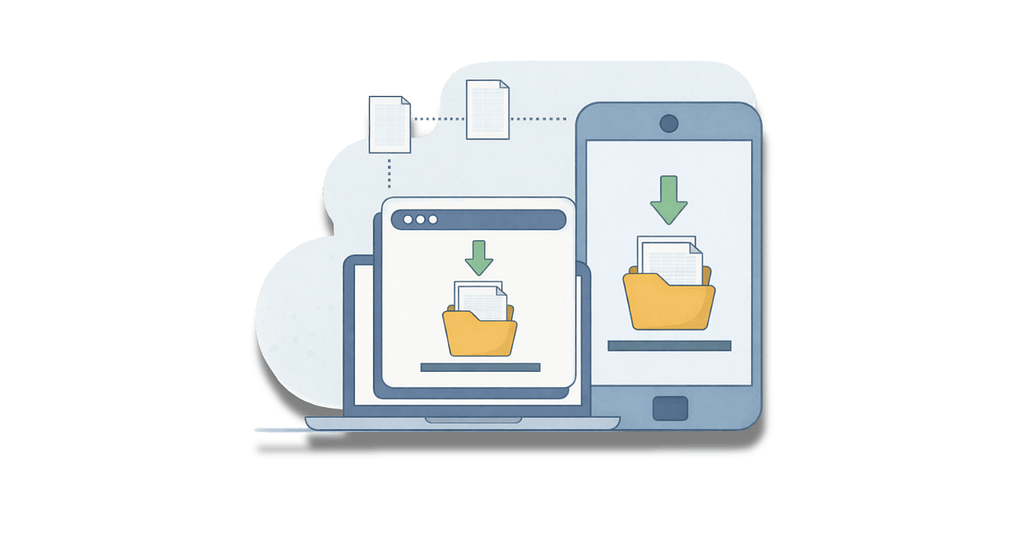
Cloud backup and disaster recovery illustration showing data replication across devices.
Role-based access control illustration representing identity and access management.

Businesses should prioritize:

  • passwordless options
  • strong MFA
  • conditional access rules
  • SSO consolidation
  • role-based access reviews
  • employee offboarding workflows

Your firewall matters.
Your identity architecture matters more.

Legacy Line-of-Business Apps Will Become a Liability

If you’re running something old, unsupported, or duct-taped onto Windows 11 “hoping it holds,” 2026 is the year that breaks you.

Vendors are aggressively sunsetting:

  • old databases
  • old client-server apps
  • outdated accounting systems
  • unsupported medical, real estate, or manufacturing software

Plan ahead so you’re not scrambling when updates are no longer optional.
Flat, muted illustration of a vintage desktop computer with a CRT monitor and base unit, shown front-on with a blank screen, representing legacy systems or outdated technology.

2026 Belongs to the Businesses Who Prepare Now

The companies that thrive in Omaha next year won’t be the ones with the fanciest tools —
they’ll be the ones with a clear plan, secure systems, and technology that actually supports their operations.

If you want help building a 2026 IT strategy — cybersecurity, cloud, Microsoft 365, backups, AI policy, budgeting — we’re here for you.

Flat-style digital illustration of an IT professional using a tablet in a calm, modern office. In the background, multiple workstations display structured system dashboards. Text reads: “Get in touch with our team.” InfiNet logo shown.

2026 IT Planning for Omaha Businesses: What Matters Most Read More »

Semi-flat illustration of a business professional viewed from behind, seated at a desk and using a laptop, with simple abstract icons representing cookies connecting within a website interface, conveying how cookies support normal website functionality in a calm, trustworthy way.

The Sweet and the Sneaky Side of Cookies

Website cookies or simply “cookies”—named after the early computing term “magic cookie,” used to describe small pieces of data passed between systems—are small text files stored on your device when you visit a site. They help websites remember basic information, such as login status, preferences, or items left in a cart, so pages work as expected when you move around or return later.

Most of the time, cookies are simply part of how modern websites function. Problems arise when it’s unclear what’s being collected or why.

Cookies That Support Everyday Use: The “Good” Kind

Many cookies are essential to a smooth browsing experience. These are typically first-party cookies created by the site you’re actively using.

Common examples include:

  • Session cookies that keep you logged in as you navigate a site
  • Persistent cookies that recognize returning visitors
  • Preference cookies that remember settings like language or region

These cookies support usability and consistency. They’re designed to make sites work—not to monitor behavior across the internet.

Cookies Used for Tracking: The “Crumbly” Kind

Other cookies are designed to track activity beyond a single website. These are often third-party cookies used by advertisers or analytics platforms.

They collect information about browsing habits across multiple sites to build user profiles. That’s why a product you looked at once can seem to follow you from page to page afterward.

While tracking cookies aren’t automatically harmful, they do raise legitimate privacy concerns—especially when users aren’t aware of how much data is being collected or how it’s used.

4 Simple Ways to Manage Cookies

You don’t need to eliminate cookies entirely to improve privacy. A few small habits can make a meaningful difference:

  1. Review cookie settings instead of automatically accepting all options.
  2. Limit or block third-party cookies in your browser.
  3. Clear cookies and cached data periodically.
  4. Keep browsers and security tools up to date.

For businesses, cookie handling and data privacy should also be part of a broader security and compliance conversation—not an afterthought.

The Bottom Line

Cookies play a role in how the web works today. Some are necessary, some are optional, and some deserve closer scrutiny.

Understanding the difference helps you make informed choices—about your own browsing and about how your organization handles data. Clarity, not fear, is what leads to better decisions.

Flat-style digital illustration of an IT professional using a tablet in a calm, modern office. In the background, multiple workstations display structured system dashboards. Text reads: “Get in touch with our team.” InfiNet logo shown.

The Sweet and the Sneaky Side of Cookies Read More »

Thankful for Tech: How IT Keeps Omaha Businesses Running Smoothly

(And Why So Many Rely on InfiNet Solutions — Omaha’s Leading MSP)

As the year winds down, we all start thinking about what we’re grateful for: family, good food, and the tiny miracle that everything in the office keeps running even when half the staff is out for the holidays.

vecteezy table in empty office room interesting design in office 15521172
vecteezy design and programming banner web landing page 8985756

Here in Omaha, technology powers nearly every business — and as one of the region’s most trusted Managed Service Providers, InfiNet Solutions sees firsthand how crucial reliable IT really is. From cybersecurity to cloud services to automation, these tools keep organizations productive, protected, and moving forward every single day.

Let’s shine a little gratitude on the tech that holds it all together.

The Networks That Keep Omaha Working

Behind every smooth operation is an IT backbone built to handle real-world pressure.
When employees log in and everything “just works,” that’s the result of intentional engineering — the kind InfiNet delivers across Omaha and the Midwest.

Reliable networks aren’t luck. They’re architecture, monitoring, and proactive care.

Project 152 07
vecteezy a team of four people working together to protect data one 47784533

Cybersecurity: Omaha’s First Line of Defense

Cyber threats don’t take holidays off, and neither do we.

With advanced tools like EDR, MFA enforcement, phishing protection, and real-time monitoring, InfiNet keeps companies in Omaha and beyond shielded from attacks long before they reach the network.

You won’t always see what gets blocked — that’s the point.
But you’ll feel the stability it brings.

Cloud Systems That Keep Teams Connected

Hybrid work, remote meetings, file collaboration — none of it happens smoothly without well-designed cloud architecture.

From Microsoft 365 to VoIP to secure remote access, InfiNet helps Omaha businesses stay connected anywhere, anytime. Consistency, speed, and security aren’t luxuries; they’re the new standard.

vecteezy saas concept with people scene in flat cartoon design woman
vecteezy team works around server stacks and a cloud network inside a 71243879

Backups & Business Continuity: Omaha’s Safety Net

Mistakes happen. Power goes out. Hardware fails.

But companies supported by InfiNet Solutions don’t panic — not when they know their systems are backed by robust, redundant, tested recovery strategies. When downtime could cost thousands, reliable backups aren’t optional. They’re essential.

Automation That Keeps Workflows Moving Without the Busywork

Smart automation has become one of the biggest productivity boosts for Omaha businesses, and it’s an area where InfiNet truly leads. From PTO approval flows, auto-scanning, and cross-department workflows, we build systems that quietly eliminate the manual tasks that drain time and cause delays. The result? Faster processes, fewer bottlenecks, and teams that spend more time on meaningful work instead of busywork. When technology works for you, everything runs smoother — and that’s exactly what we design it to do.

vecteezy flat illustration of team using flow diagram to explore 49016841
vecteezy work with a variety of partners flat minimalistic illustration 48684699

The People Behind the Tech

Technology is powerful, but expertise is what makes it thrive.

InfiNet’s team is known in Omaha for their approachability, deep technical knowledge, and forward-thinking solutions. Our clients trust us because we don’t just solve problems — we prevent them.

We build environments that grow with your business.
We guide leaders through complex decisions.
And we stay ahead of trends so our partners don’t fall behind them.

Tech keeps Omaha running — and we’re proud to be the team so many organizations count on to keep that tech reliable, secure, and seamless.

This season, we’re thankful for the tools that empower our community, for the businesses that trust us, and for the opportunity to serve as Omaha’s leading Managed Services Provider.

From all of us at InfiNet Solutions, Happy Thanksgiving — and here’s to another year of staying secure, productive, and confidently ahead of the curve.

vecteezy stick figures thanks hand drawn doodle line art cartoon 4216390

Thankful for Tech: How IT Keeps Omaha Businesses Running Smoothly Read More »

Microsoft Entra Phishing Attacks When Legitimate Login Pages Are Abused

Microsoft Entra Phishing Attacks: When Legitimate Login Pages Are Abused

Traditional phishing gets caught because the domain looks wrong. The certificate is odd, or email scanners flag the URL. These new tricks sidestep a lot of those controls by working through Microsoft’s own endpoints or by using legitimate tenant branding and redirects.

The result: email gateways and users who check the URL can be fooled more easily, and the phishing page can behave like a normal login flow — even asking for additional “info” (custom attributes) or re-prompting for MFA — and still be on a Microsoft domain. That’s why defenders and detection engineers are now treating OAuth and Entra sign-in telemetry as first-class hunting signals.

What attackers can actually do

  • Trick users into signing into a malicious tenant or redirect chain that still uses login.microsoftonline.com.
  • Capture passwords, session cookies, or OAuth tokens and then exchange them for access.
  • Use custom branding or fonts to visually spoof email addresses or buttons, making the experience look legitimate.
  • Abuse self-service signup flows and custom attributes to capture credentials without redirecting off Microsoft pages.
  • Even intercept on-prem password validation (PTA) flows to grab clear-text passwords and OTPs in some cases.

So — how worried should you be?

If you’re using Microsoft 365/Entra with standard settings, there’s risk, especially for high-value targets (execs, finance, IT) and users who receive external links often. The bad news: these attacks are stealthier than classic phishing. The good news: they leave telemetry.

If you know where to look (OAuth grants, weird client IDs, suspicious device registration activity, token exchanges), you can detect and respond. Security hygiene still matters and it still helps — it’s just a little more technical now.

9 Concrete, practical steps we recommend (we’ll do these for you)

1. Enforce phishing-resistant MFA (FIDO2 / Windows Hello / certificate-based)

Move high-risk and admin accounts away from SMS/OTP and toward hardware or platform-bound MFA. Attackers capturing an OTP or password may still be stopped by phishing-resistant methods.

2. Tighten Conditional Access & block risky flows

  • Deny legacy and less secure auth flows unless explicitly required.
  • Require device compliance and limit token lifetimes where practical.
  • Block sign-ins that request unusual OAuth scopes or originate from unknown client IDs.
    These controls increase the attacker effort and create signal for detection.
  • Limit who can register applications and consent to permissions.
  • Disable or tightly control self-service app signup and external user self-service where not needed.
  • Implement admin-approved app consent policies to stop rogue apps from getting persistent access.

4. Lock down custom branding & review tenant configuration

Custom branding can be abused to spoof UI elements or fonts. Audit branding changes, remove unnecessary tenant templates, and treat brand files like code — only trusted admins can change them.

5. Hunt for OAuth/Entra anomalies

We’ll set up detection rules to look for: unexplained token exchanges, refresh token usage by unusual client IDs, device registration spikes, concurrent sign-ins from geographically disparate IPs, and authorization flows that finish but then promptly register devices. These are high-value signals Elastic, Volexity and others flag as red flags.

6. Monitor PTA & on-prem auth paths

If a tenant uses Pass-Through Authentication (PTA) or has on-prem agents, monitor and limit who can install agents. Treat PTA endpoints like critical servers and protect them accordingly — they can leak plaintext passwords if compromised.

7. Tighter app-and-redirect hygiene

Only allow trusted redirect URIs; remove old app registrations; and require admin approval for apps that request high-impact scopes (mail.read, files.read.all, Directory.Read.All).

Think of app registrations like service accounts: audit them monthly.

8. User education — but realistic

Train users to expect unusual MFA prompts and to verify consent dialogs, but don’t rely on humans alone. Teach execs to verify unexpected “re-sign in” requests with a quick call. We also recommend regular, realistic phishing simulations that include OAuth-style flows so users and controls are tested together.

9. Incident plan: tokens ≠ passwords

If we detect compromise, assume tokens are abused. Revoke refresh tokens, remove app consents, force device re-enrollment, and rotate credentials. This is faster and more effective than password resets alone in many token-based attacks.

What’s next?

This class of attacks shows attackers leveling up: they’re weaponizing trust — not just tricking users into typing passwords, but using Microsoft’s trust signals against us. That means prevention and detection must work together: harden the platform and hunt the telemetry.

The good news: these techniques leave footprints if you know what to look for. We do. You don’t have to learn every obscure attack; you just need an MSP who does.

Flat-style illustration of a seated male professional using a digital tablet in an IT operations center. The background shows multiple system monitors and other staff at work. Branding includes the message “Get in touch with our team” and the InfiNet logo.

Microsoft Entra Phishing Attacks: When Legitimate Login Pages Are Abused Read More »

MFA Isn’t the Finish Line—It’s the Starting Line

But here’s the thing: attackers have gotten smarter. MFA is essential, but it’s no longer the end of the road. If you already have MFA in place, you’re ahead of the pack. Now it’s time to take the next steps to keep your business truly secure.

Use Stronger MFA

Not all MFA is equal. Text messages and phone calls are easy to trick.

  • Use authenticator apps or security keys that can’t be copied by cybercriminals.
  • For executives and anyone who handles money, we raise the bar with stronger protections.
vecteezy businessman holds the key to secure user account with strong 67526092
vecteezy cartoon flat style drawing of businesswoman pushing door 12491998

Guard the Front Door

MFA is like locking your front door. But we can go further:

  • Allow logins only from safe places and trusted devices.
  • Block suspicious locations. If your business is in Omaha, you don’t need someone logging in from overseas.
  • Shorter sessions for critical apps. The higher the risk, the more often we require a quick re-check.

Watch for Cookie Thieves

Hackers don’t just steal passwords anymore—they steal the little “cookies” that keep you logged in.

  • We turn on protections that make those cookies useless to anyone else.
  • We disable old-fashioned logins that criminals love to exploit.
  • We watch for odd behavior, like one account logging in from two different countries at the same time.
vecteezy cute terrified running expression of cookies cartoon character 54635362
vecteezy phishing account vector 173700 1

Close the Side Doors

Sometimes hackers don’t break in—they sneak in.

  • We control which apps can connect to your Microsoft account so employees don’t accidentally click “Allow” on something risky.
  • We limit outside sharing and guest sign-ups unless your business truly needs them.
  • We keep an eye on sign-in pages—because even those can be abused.

Keep People Sharp

Even the best locks won’t help if someone opens the door.

  • We run regular phishing tests so employees learn what a scam email looks like.
  • Instead of boring annual training, we give short, easy refreshers throughout the year.
Data phishing hacking online scam on computer laptop concept generated
vecteezy safety in the hands

Protect the VIPs

Hackers love to target leaders and finance teams.

  • We limit admin access, so no one has “always-on” master keys.
  • We set up hardened devices for sensitive work.
  • We use advanced monitoring tools to spot attacks in real time.

The Bottom Line

MFA is good. Layered security is better.

With attackers constantly evolving, your business can’t afford to stop at “we turned on MFA.” Strengthening access, closing loopholes, and keeping people aware are what truly keep you safe.

That’s how we help you move from we checked the box to we actually sleep at night.”

    MFA Isn’t the Finish Line—It’s the Starting Line Read More »

    Call Now Button