

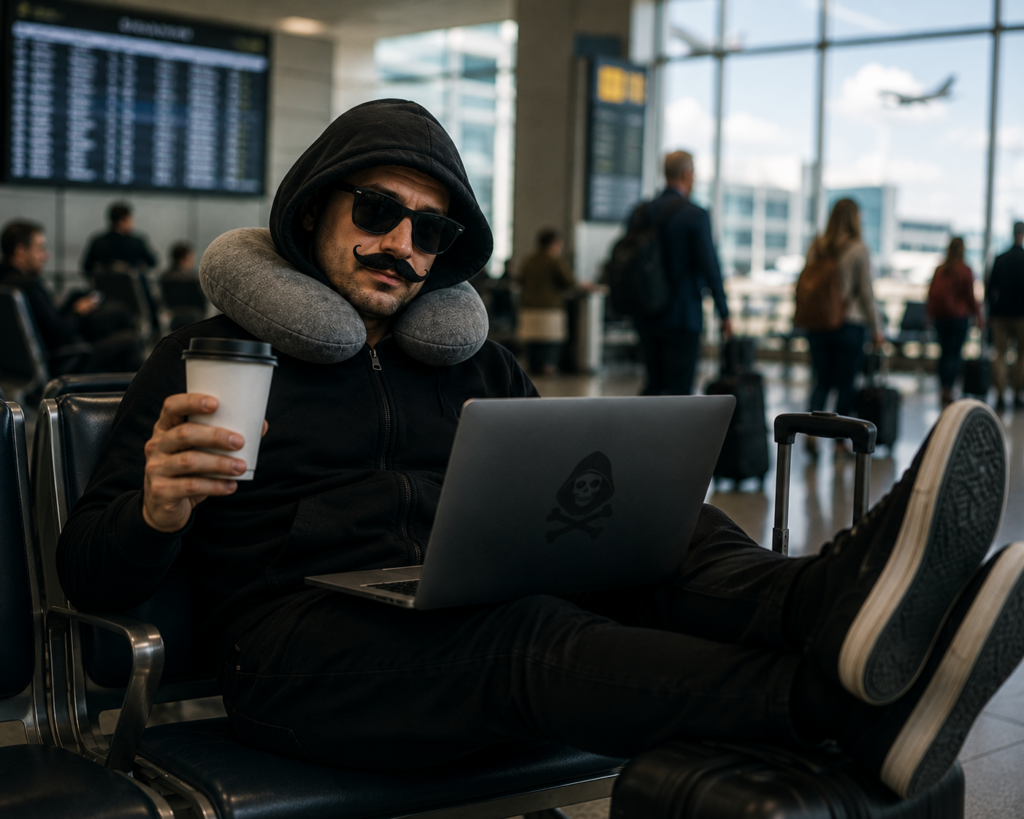
Public Wi-Fi: Convenient for You, Convenient for Hackers
Free Wi-Fi is great when you’re trying to send one last email before boarding. It’s also one of the easiest ways for attackers to intercept traffic, steal credentials, or trick users into connecting to fake networks that look legitimate.
Fake network names can look harmless:
Airport_Free_WiFi
Hotel Guest Internet
Conference WiFi
What to Do
Avoid accessing sensitive systems on public Wi-Fi whenever possible
Use a company-approved VPN
Verify network names before connecting
Disable automatic Wi-Fi connections
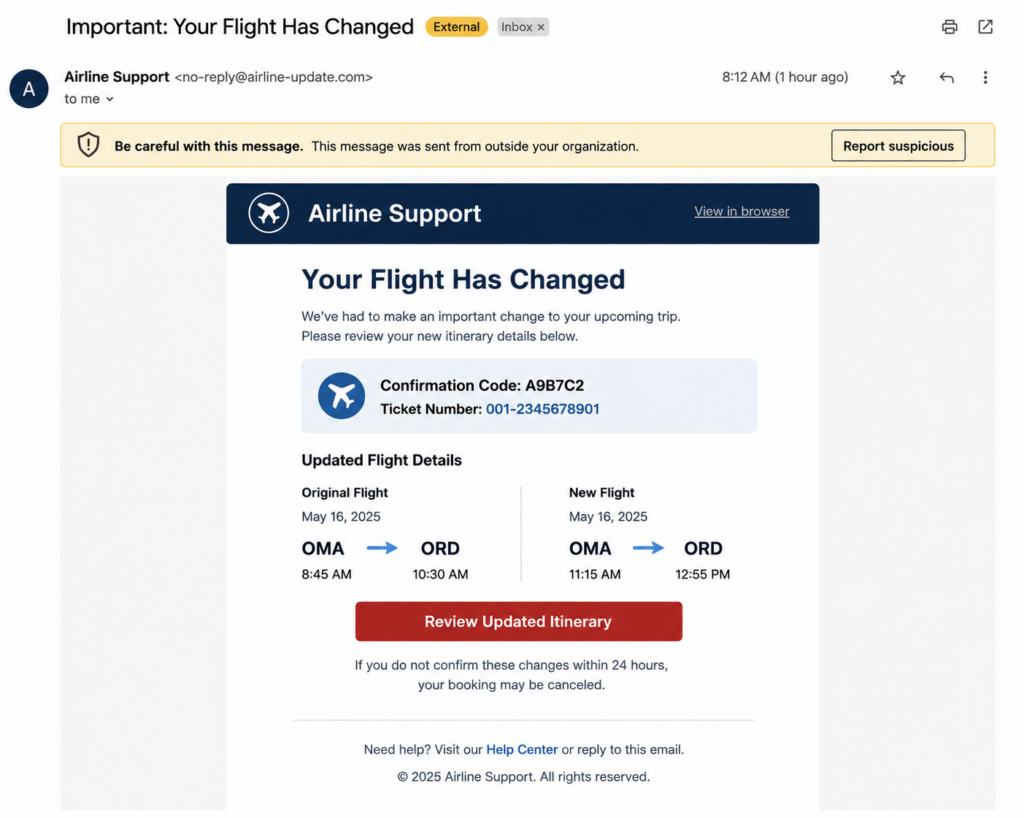
“Your Flight Has Changed” (Maybe)
Travelers expect emails about flights, hotels, conference registrations, ride shares, and package deliveries. Cybercriminals know that.
That’s why travel is prime time for phishing attacks disguised as urgent updates and confirmations.
What to Do
Verify unexpected travel-related emails
Avoid clicking links from unknown senders
Use official websites and apps whenever possible
Report suspicious messages immediately
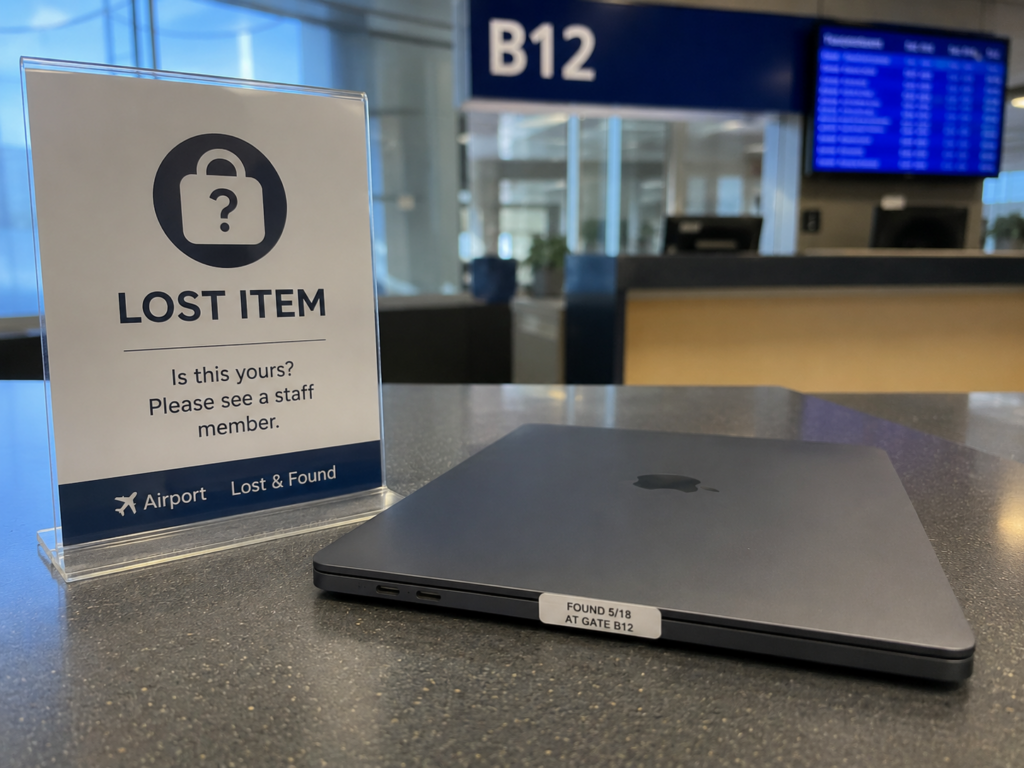
I swear it was in my bag…
Not every security incident starts with a hacker. Sometimes it starts with a laptop left at TSA, a phone forgotten in a rideshare, or a tablet that disappears from a hotel room.
For Businesses
- Enable full disk encryption
- Require multi-factor authentication
- Use mobile device management
- Enable remote wipe capabilities
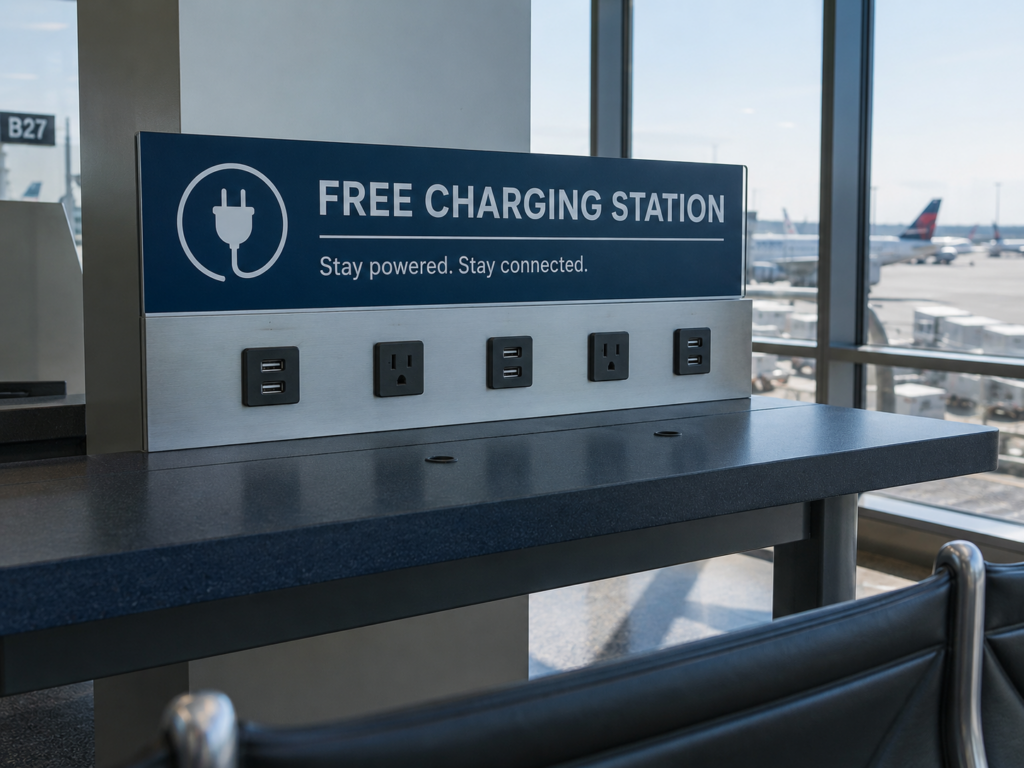
That Free Charging Station Might Cost You
Your phone is hanging on at 4%. The gate just changed. Boarding starts in 15 minutes. We understand the temptation.
Public USB charging stations can introduce security risks if they’ve been tampered with. Bring your own charger, use wall outlets, or carry a portable battery pack.
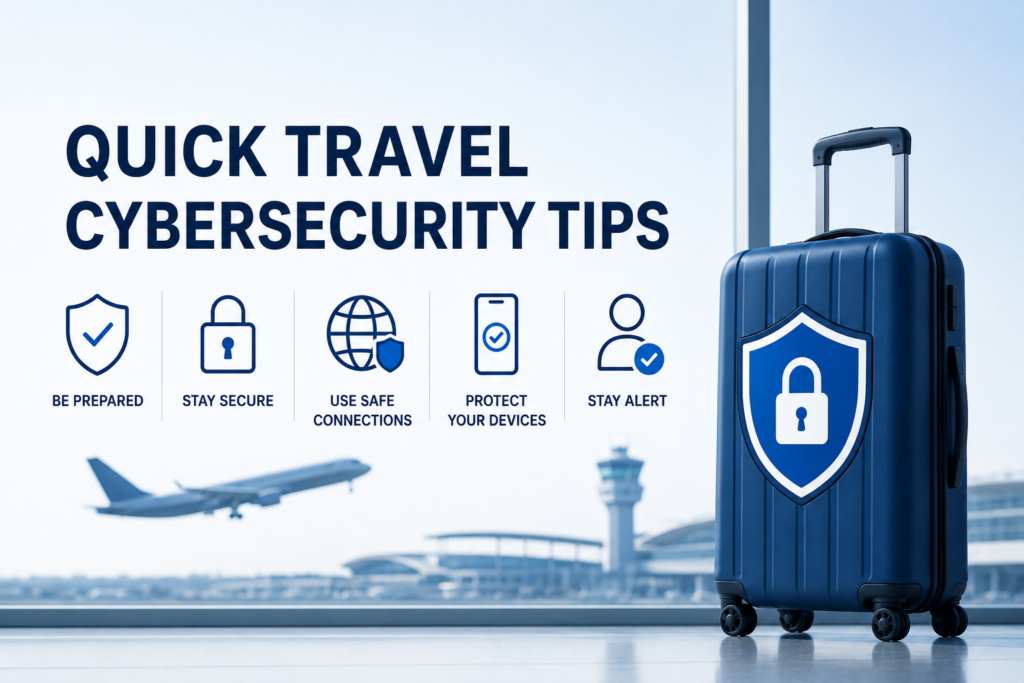
Quick Travel Cybersecurity Checklist
- Update operating systems and software
- Enable multi-factor authentication
- Verify VPN access
- Back up important data
- Confirm device encryption is active
- Enable device tracking and remote wipe capabilities
- Pack approved chargers and accessories
- Know who to contact if a security incident occurs