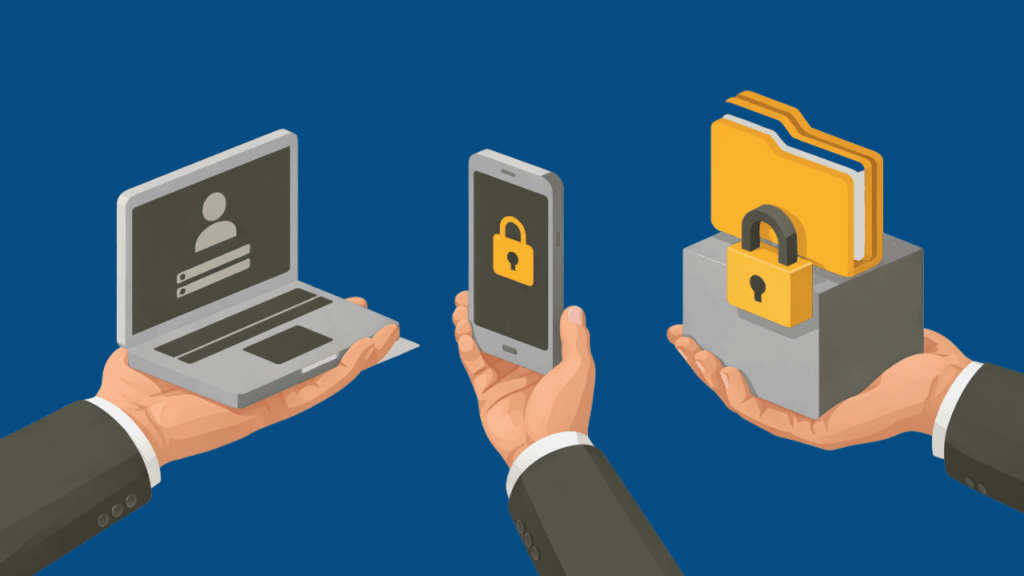
Access issues are often more complex than they appear.
– A team member logs in from a new device.
– A vendor still has credentials from a project that ended months ago.
– An employee downloads files they technically have permission to access—but shouldn’t need anymore.
Nothing looks like a breach.
Yet these small access gaps are where many modern incidents begin.
In 2026, secure client access is no longer just an IT configuration. It’s a core operational control that determines who can reach systems, data, and applications—and under what conditions.
For organizations working with a managed IT Omaha partner, the conversation increasingly centers on identity and access rather than firewalls alone. Systems are no longer confined to office networks. Employees work from multiple locations, cloud platforms host sensitive data, and vendors often require temporary access to internal systems.
In that environment, access management becomes the new security perimeter.
What “Secure Client Access” Means in 2026
Today, secure client access means ensuring only the right people and devices can reach the right resources—at the right time, and nothing more.
Every access request must answer three questions:
Who is requesting access?
What are they trying to reach?
Is this access expected right now?
Older security models assumed anything inside the network could be trusted.
Modern environments operate differently.
Instead of trusting a login automatically, organizations adopt a Zero Trust model, where every session is evaluated continuously. Even after a user authenticates, systems may still check:
- Device health
- Login location
- Behavioral patterns
- Network conditions
If something deviates from the norm, access can be limited or re-verified immediately.
For example:
If a staff member normally logs in from Nebraska but suddenly appears from another country, modern access systems may require additional verification—or block the session entirely.
This “never trust, always verify” principle has become the foundation of secure access in modern organizations.
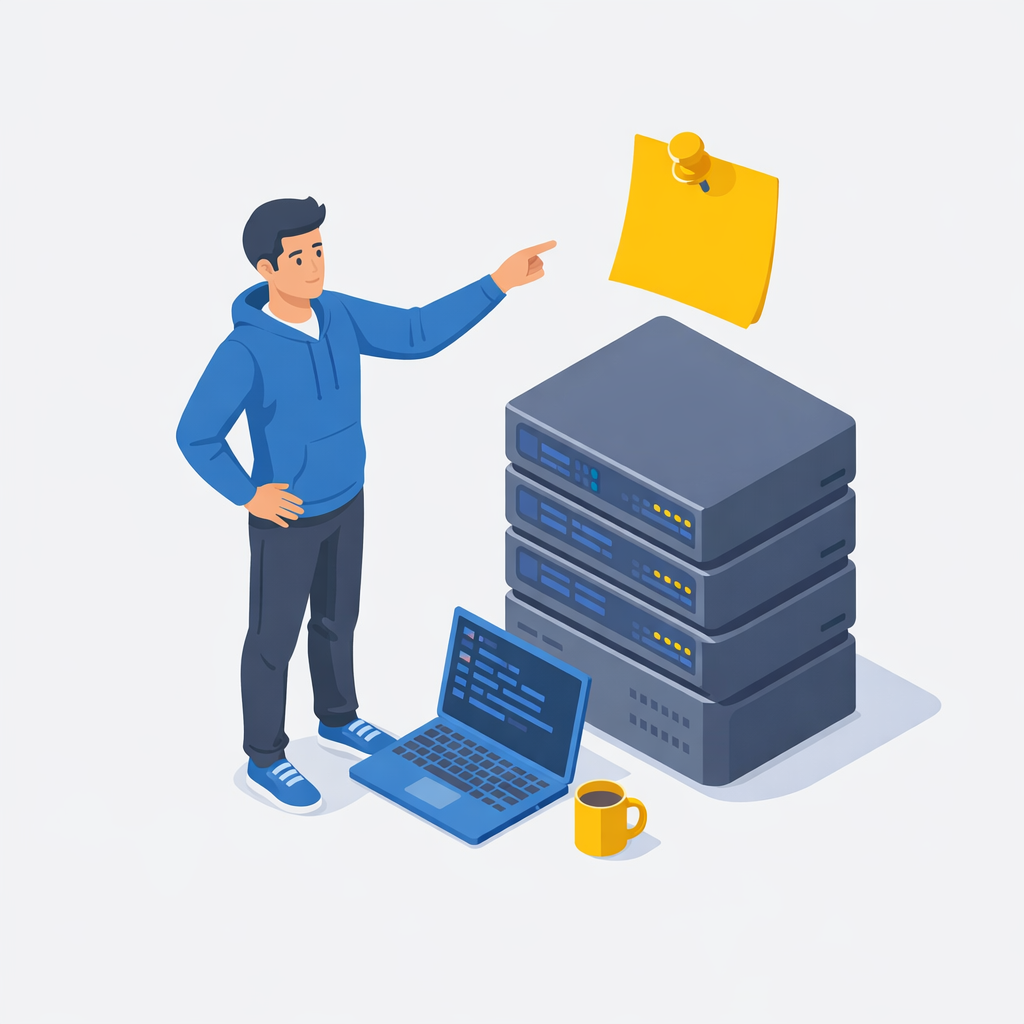
Why Identity Has Become the New Security Perimeter
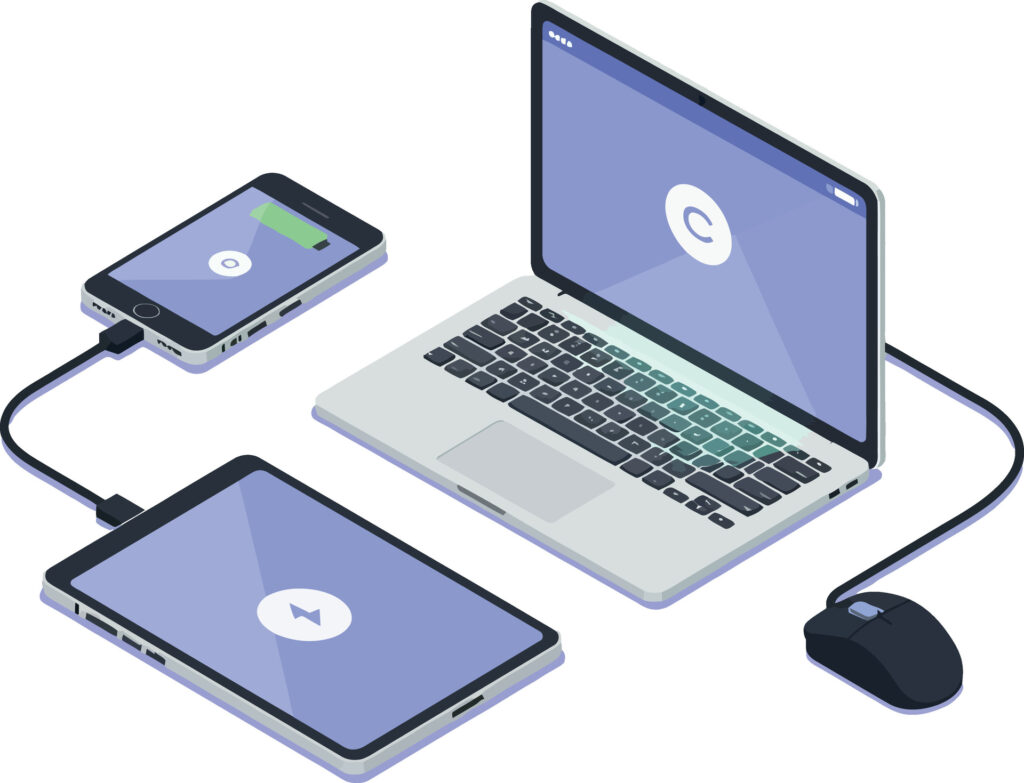
The shift to cloud platforms, mobile work, and distributed teams has dissolved traditional network boundaries.
Most organizations now rely on:
- Microsoft 365
- Cloud line-of-business applications
- Remote work environments
- Third-party integrations
Because users connect from many locations and devices, identity credentials are now the main gateway to business systems.
That’s why modern security strategies prioritize:
- Identity verification
- Access restrictions by role
- Device validation
- Session monitoring
A stolen password alone should never be enough to access business systems.
Secure access frameworks ensure multiple layers of verification are always in place.
Key Secure Access Best Practices in 2026
Modern MSP environments rely on a combination of controls that reinforce each other.
If one layer fails, another still limits risk.
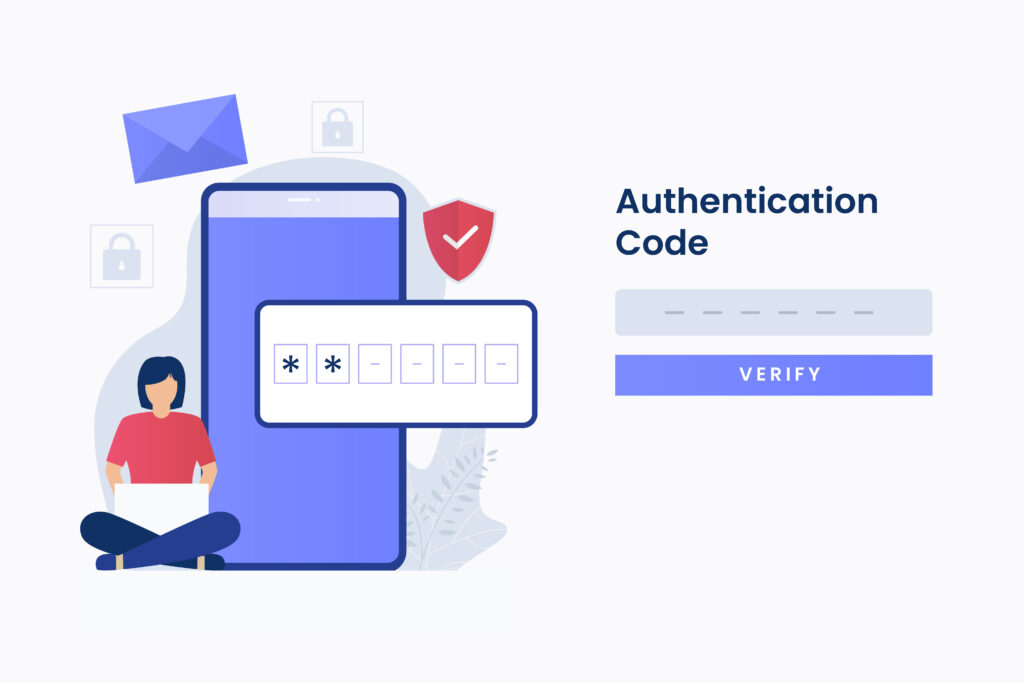
1. Multi-Factor Authentication (MFA)
Multi-factor authentication requires users to verify identity using two or more factors, such as:
- Password
- Authenticator app
- biometric login
- hardware security keys
MFA dramatically reduces risk from credential theft.
In 2026, most organizations are moving away from SMS codes and toward phishing-resistant authentication methods like authenticator apps or FIDO2 security keys.
2. Least Privilege and Role-Based Access
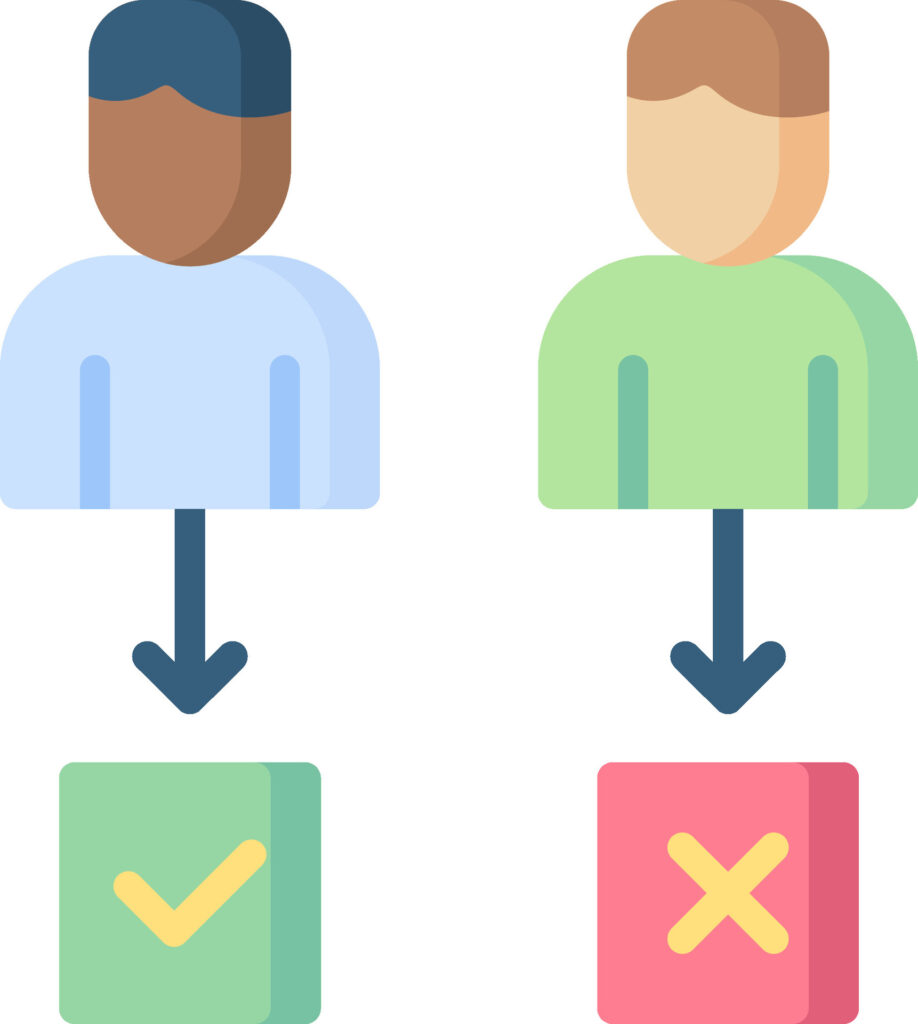
Not every user should have access to everything.
Least privilege access ensures users can only reach the systems necessary for their role.
Examples include:
- Accounting staff accessing finance systems but not HR files
- Front desk teams accessing scheduling platforms but not server infrastructure
- Vendors receiving temporary system access for specific tasks
Many organizations now implement Privileged Access Management (PAM) tools to control administrative accounts and prevent permanent high-level access.
This significantly reduces the damage a compromised account could cause.
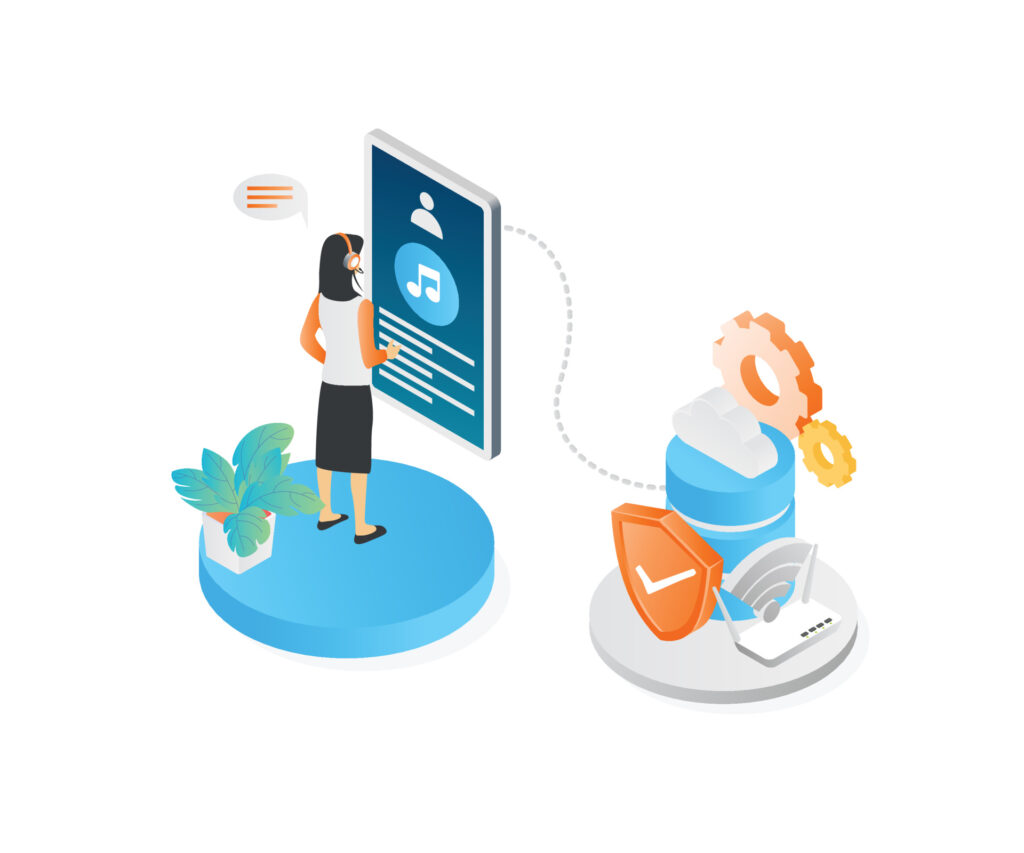
3. Zero Trust Network Access (ZTNA)
Legacy VPNs often gave users broad network access once they logged in.
ZTNA systems work differently.
Instead of granting network-wide access, they authorize connections per application session.
Users connect only to the specific systems they need, and nothing else.
Benefits include:
- Reduced lateral movement during breaches
- location-independent access
- improved visibility into application activity
ZTNA is now a common component of modern secure access management strategies.
4. Context-Based Access Policies
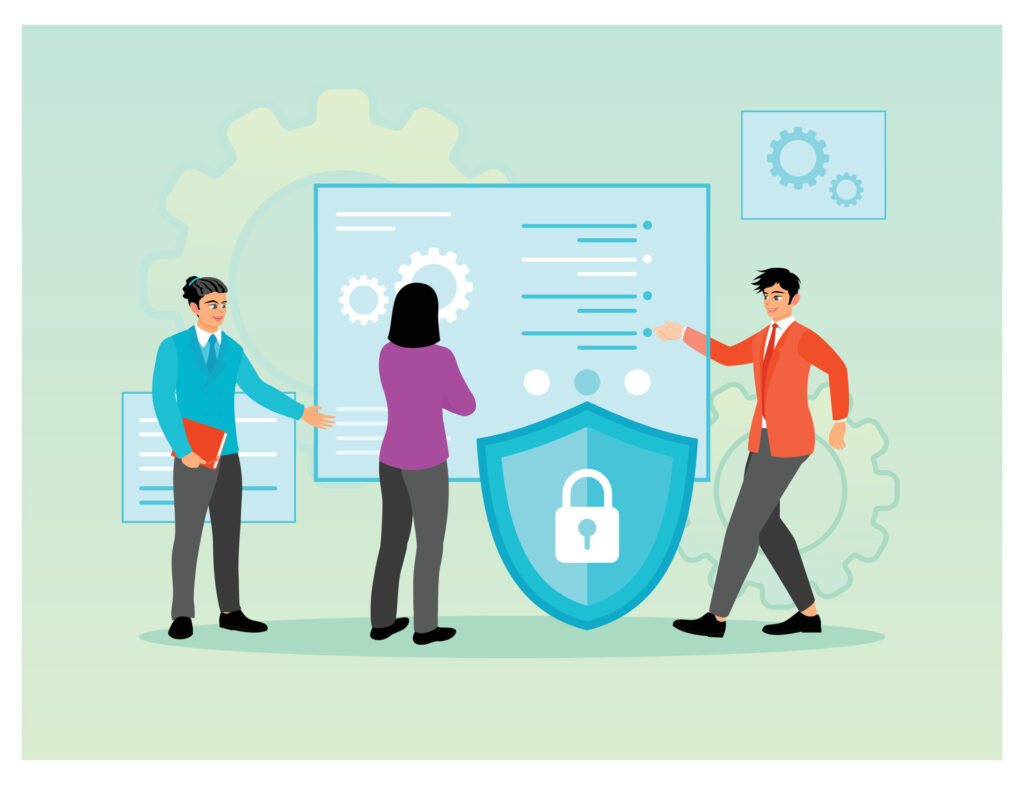
Modern access systems evaluate context, not just credentials.
Security policies may consider:
- device compliance
- geographic location
- login timing
- connection network
- behavioral patterns
If risk appears elevated, systems can:
- request additional authentication
- restrict certain actions
- block access entirely
This dynamic approach ensures security adjusts automatically based on real-world conditions.
5. Continuous Monitoring
Access security does not stop at login.
Organizations increasingly deploy monitoring platforms such as:
- Endpoint Detection & Response (EDR)
- Security Information and Event Management (SIEM)
- user behavior analytics
These tools detect unusual activity such as:
- large data downloads
- unexpected system access
- suspicious login patterns
For businesses working with managed IT Omaha providers, centralized monitoring across systems and devices helps identify issues before they escalate.
6. Secure Offboarding and Vendor Access
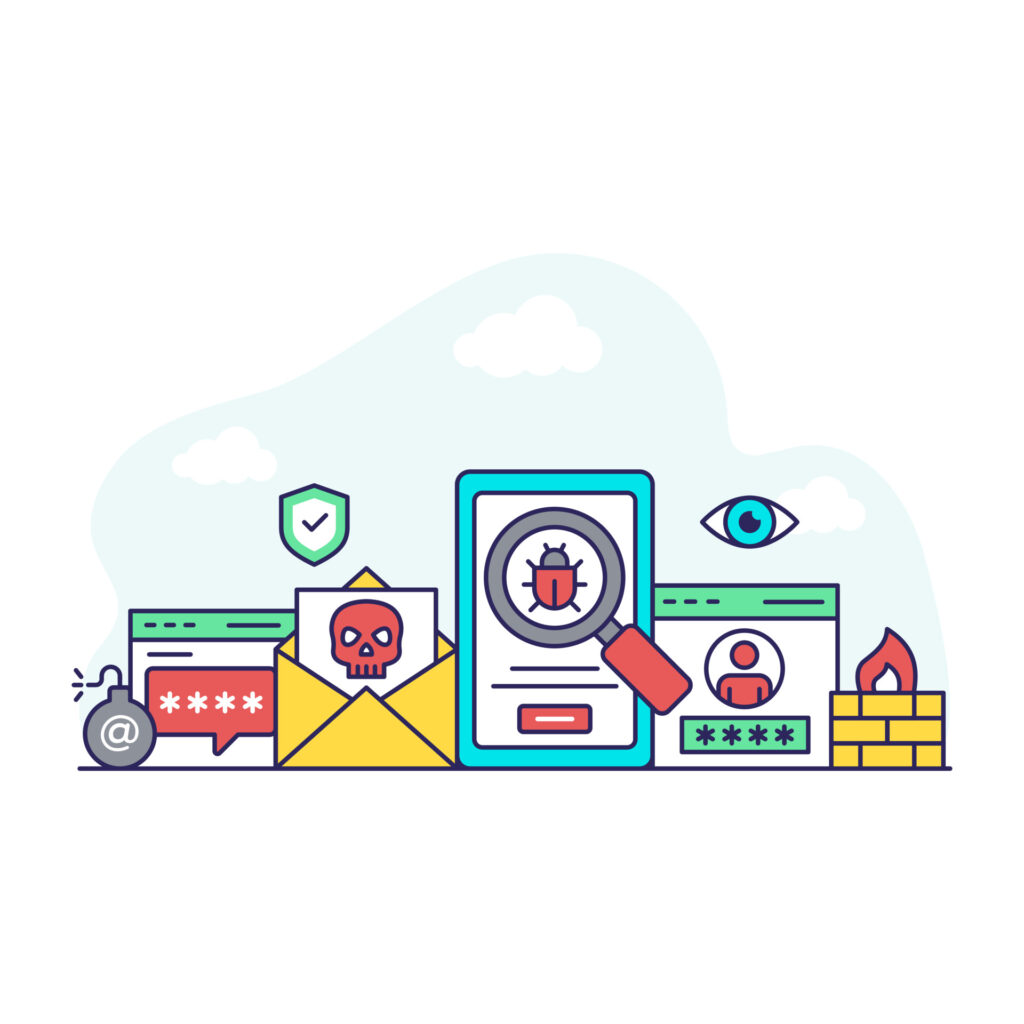
Access risk often comes from accounts that should no longer exist.
Best practices now include:
- immediate access removal when employees leave
- automatic role-based adjustments during promotions
- documented third-party vendor access
- regular access audits
These controls prevent ghost accounts and reduce exposure to external compromise.
Frequently Asked Questions
1. What is secure client access?
Secure client access refers to the systems and policies that ensure only authorized users can reach specific applications, systems, or data—based on identity verification, device checks, and contextual security rules.
2. What is Zero Trust access?
Zero Trust is a security model where no user or device is automatically trusted. Every access request must be verified continuously, even after login.
3. Is multi-factor authentication enough to secure access?
MFA is essential but not sufficient alone. Modern secure access strategies also include role-based permissions, device validation, behavioral monitoring, and session-based controls.
4. Why is least privilege important?
Least privilege ensures users receive only the access they need for their role. This limits damage if credentials are compromised.
5. How do MSPs help manage secure client access?
Managed service providers implement and monitor identity systems, access policies, endpoint security, and compliance frameworks across client environments.
Final Thoughts
Access is one of the most overlooked risk points in modern organizations.
Most incidents don’t start with sophisticated attacks.
They start with ordinary credentials being used in unexpected ways.
Secure client access frameworks reduce that risk by ensuring access is intentional, monitored, and continuously validated.
For organizations evaluating their security posture, the real question is not simply whether systems are protected.
It’s whether access decisions are being made deliberately—and reviewed regularly.
If you want clarity around how access is currently structured in your environment, start with visibility. Understanding who can access what—and why—is often the first step toward building a more resilient technology environment.