


Most clinics don’t operate in quiet, controlled office environments.
In community clinics and multi-provider practices, front desks stay busy, exam rooms turn over quickly, and staff move between systems all day long. Workstations are shared across shifts. Devices are logged into, stepped away from, and picked back up—often within minutes.
In that kind of environment, technology isn’t just supporting care—it’s woven directly into the pace of operations.
That’s also where many IT risks in clinics quietly take hold.
Not because teams are careless, but because clinical workflows prioritize speed, access, and continuity of care.
And when systems are designed like traditional offices instead of real clinics, clinic cybersecurity risks tend to surface in ways leadership doesn’t see until there’s a problem.
Why Clinics Face a Different Category of IT Risk
Healthcare IT environments operate under constraints most businesses don’t.
You’re balancing:
Limited downtime tolerance
Patient experience
Clinical efficiency
Compliance requirements
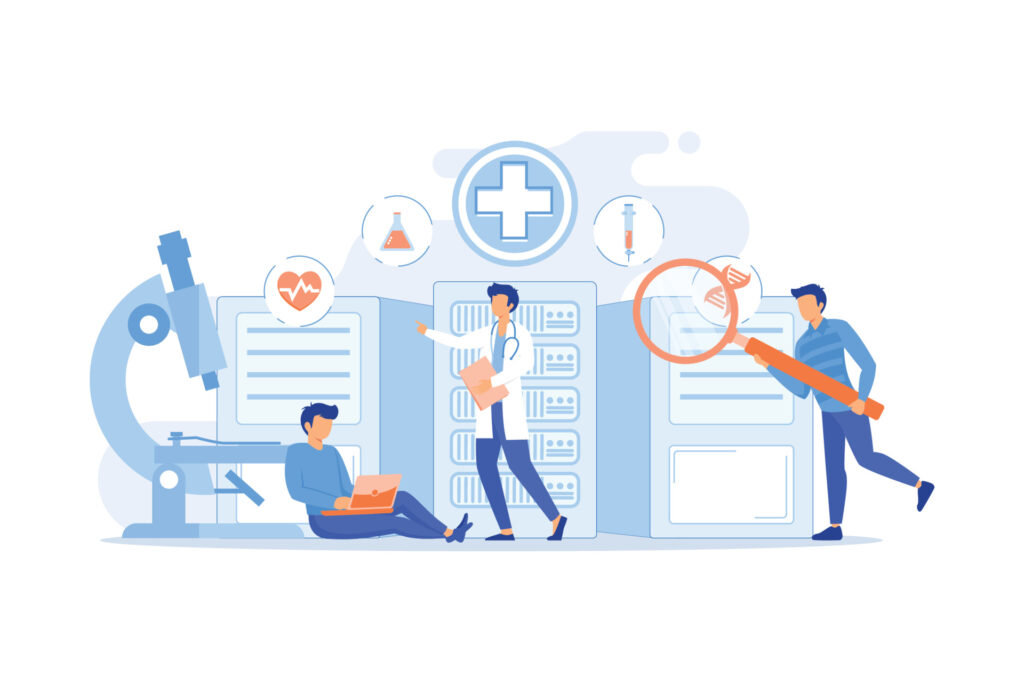
Unlike a single-user office setup, clinics rely on shared devices healthcare environments—front desk computers, exam room workstations, tablets, printers, and specialty systems that multiple people touch every day.
Federal healthcare guidance has long recognized shared workstations as a risk area when access controls and session management aren’t aligned with real workflows.
From an IT perspective, that changes everything.
Risk isn’t just about firewalls or antivirus software. It’s about how systems behave when:
- Logins are reused
- Sessions stay open
- Devices move between rooms
- Accountability becomes blurred
These conditions don’t look dangerous on paper. But operationally, they create gaps that traditional “check-the-box” security doesn’t address.
Shared Devices: Convenience That Quietly Expands Exposure
Shared workstations are common in clinics—for good reason. They keep workflows moving.
But from a risk standpoint, shared devices introduce challenges that are easy to underestimate:
Inconsistent access control
Staff roles change, but permissions don’t always follow at the same pace.
Unclear user accountability
When multiple staff use the same device, it’s harder to trace actions back to individuals—especially during audits or investigations.
Session overlap
A user steps away without logging out. Another steps in. Patient data remains accessible longer than intended.
This is one of the most overlooked IT risks in clinics—not because leaders don’t care, but because the risk is embedded in everyday efficiency.
Good security controls for shared workstations doesn’t fight this reality. It adapts to it.
The Front Desk: Where Workflow Speed Meets Data Sensitivity
It doesn’t come as a surprise that the front desk is one of the busiest—and most exposed—areas in any clinic.
It’s where:
- Patient data is first accessed
- Payments are processed
- Appointments are scheduled
- Phones, printers, and systems converge
From a cybersecurity standpoint, this creates a dense intersection of systems, people, and sensitive information.
Common front-desk risks include:
- Screens visible to patients or visitors
- Credentials shared across shifts
- Devices left unlocked during high-traffic moments
None of this signals negligence. It signals operational pressure.
The real issue is that clinic cybersecurity risks here are environmental, not technical. And operational risk in healthcare environments require intentional design—not just security software.
Fast Workflows Create “Invisible” Risk Accumulation
Speed is essential in healthcare. But speed also compresses margin for error.
When workflows move fast:
- Security steps get bypassed unintentionally
- Policies exist but aren’t practical
- Training fades under real-world pressure
Over time, small exceptions become the norm. And risk quietly accumulates, warranting intentional IT planning.
This is why many clinics feel “mostly secure” until something forces a closer look—an audit, a breach, a vendor requirement, or an insurance question.
At that point, leaders aren’t asking:
“What tools do we need?”
They’re asking:
“Where are we actually exposed?”
What “Good” Looks Like in a Shared-Device Clinic Environment
Mature protection in clinics doesn’t mean locking everything down or slowing care.
It means designing systems around how clinics actually operate.
That includes:
- Role-based access that matches real workflows
- Clear session management on shared devices
- Visibility into who accessed what—and when
- Training that reflects reality, not policy documents
Most importantly, it means leadership-level clarity around system access and accountability.
When protection is intentional, clinic leaders can confidently answer:
- Are we managing risk—or just reacting to it?
- Do our workflows align with compliance expectations?
- Could we explain our security posture if asked tomorrow?
That confidence doesn’t come from more tools. It comes from alignment.
How InfiNet Approaches Clinic IT Risk (Without Disrupting Care)
At InfiNet, our role isn’t to introduce complexity or fear.
It’s to help clinic leadership:
- See where risk actually lives
- Understand tradeoffs clearly
- Make decisions that fit clinical reality
That means working from workflows outward—not from tools inward.
When clinics understand their exposure, they’re able to protect patients, staff, and operations without sacrificing efficiency or trust.
Start With Clarity
If you’re unsure where risk actually exists in your clinic—or whether your current setup reflects how your team truly works—start with visibility.
A clear, practical assessment from a local managed IT provider can help you understand exposure without disrupting care or overcorrecting.

Frequently Asked Questions
1. What are the most common IT risks in clinics?
The most common IT risks in clinics come from shared devices, unclear access controls, fast workflows, and limited visibility into user activity—not from lack of technology.
2. Why are shared devices risky in healthcare?
Shared devices healthcare environments make accountability and session control harder, increasing the chance of unauthorized access or data exposure.
3. Are clinic cybersecurity risks different from other industries?
Yes. Clinics prioritize speed, access, and patient care, which creates unique operational risks that standard office security models don’t fully address.
4. How can clinics improve security without slowing workflows?
By aligning access controls, session management, and training with real-world workflows instead of rigid policies that don’t reflect daily operations.
5. Is cybersecurity mainly an IT responsibility in clinics?
No. While IT plays a key role, clinic cybersecurity risks affect leadership, compliance, operations, and patient trust—making it a shared responsibility.